The expansion DVI-Power
42 · G&D DVIVision
Connecting the G&D Power Card and the panel with DVIVision
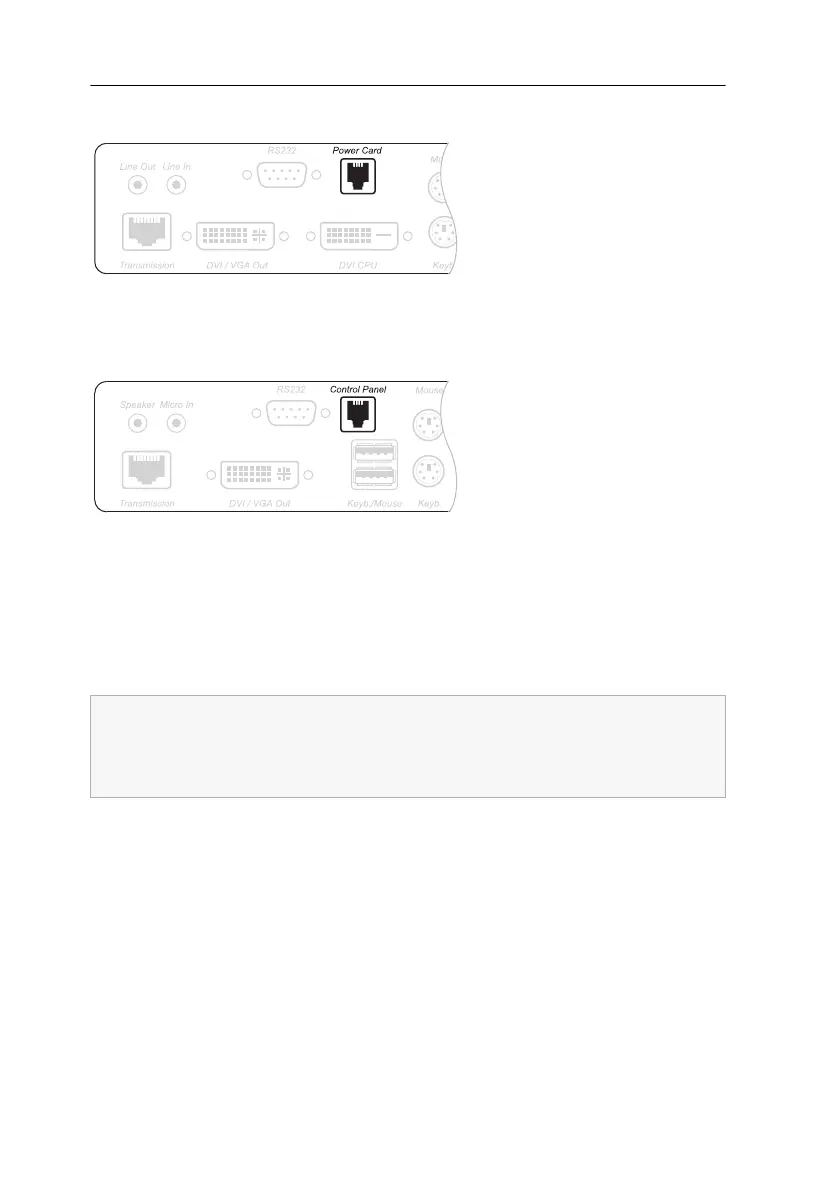
Power Card: Connect this interface of the computer module to the interface on the
back panel of the G&D Power Card
Control Panel: Connect the panel cable to this interface at the user module.
Operating the expansion DVI-Power
The functions of the panel buttons correspond to the functions of both the ATX-Power
button and the Reset button at the computer casing.
Figure 8: Interface Power Card at the computer module (DVIVision-CPU)
Figure 9: Interface Control Panel at the user module (DVIVision-CON)
Depending on the BIOS setting of the computer, in some cases the panel’s ATX-
Power button has to be pressed for five seconds to turn off the computer.
If necessary, check and change the respective setting within the BIOS of the com-
puter to deactivate the delay.



 To Next Page