Status displays
36 · G&D DVIVision
Status displays
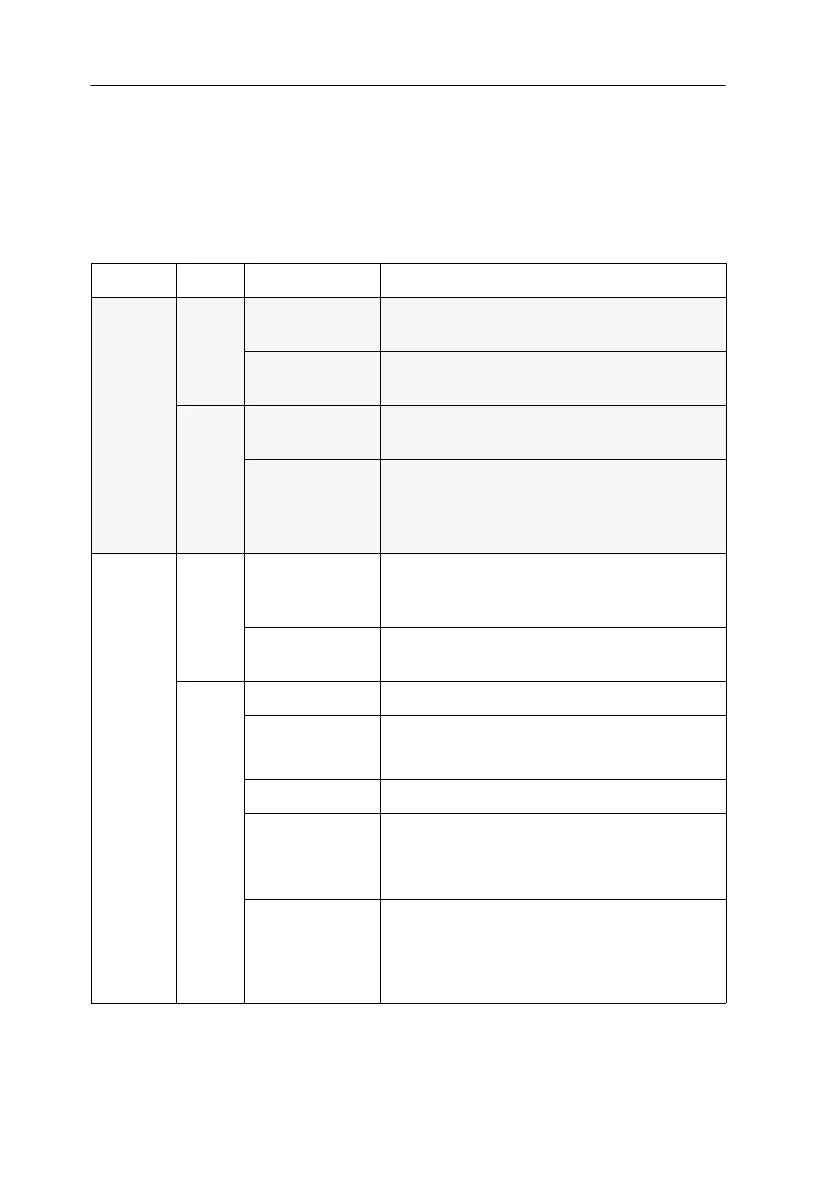
The LEDs on the front panel of the computer module and the user module enable
you to control the operational status of the DVIVision system at any time.
Computer module (DVIVision-CPU)
Range LED Status Meaning
Power Red. on The optional Power-Set 12/Type 2 power pack
is connected and is supplying 12V.
off The optional Power-Set 12/Type 2 power pack
is not (properly) connected.
Main on The main power supply provides the neces-
sary voltage.
off The switch for the power supply is turned
off or the connection of the device with the
mains supply is not established. Check the
connection of the IEC cable.
Status Trans. on The communication with the user module
(DVIVision-CON) has been established
successfully.
blinking The communication with the user module
(DVIVision-CON) could not be established.
Sys. on The system is ready for operation.
slowly blinking Defective internal communication.
Turn off the device and then turn it back on.
blinking The setup mode is activated.
fast blinking only DVIVision-MC3:
The temperature within the device exceeds
75°C or the fan is defect.
cyclic flashing The firmware that is transmitted to the
device through the update assistent is being
transmitted to all system components.
This process can last for several minutes.
Table 4: Status displays at the computer module (DVIVision-CPU)



 To Next Page