Page 109
Programming Keypad
Up to 8 RKPs (Remote Keypads) may be fitted to the GardTec
816 / 872
control
panels on a 6 wire connection (4 on the
800
control panel). If more than four keypad
are to be used, then ‘Mult’ (Program Keypad) has to be selected to ON
(816 / 872
only)
. For information on how to wire the keypad please refer to the back of this
manual.
1) Enter into Engineer Mode.
To do this follow Steps 1 to 4 on page 79
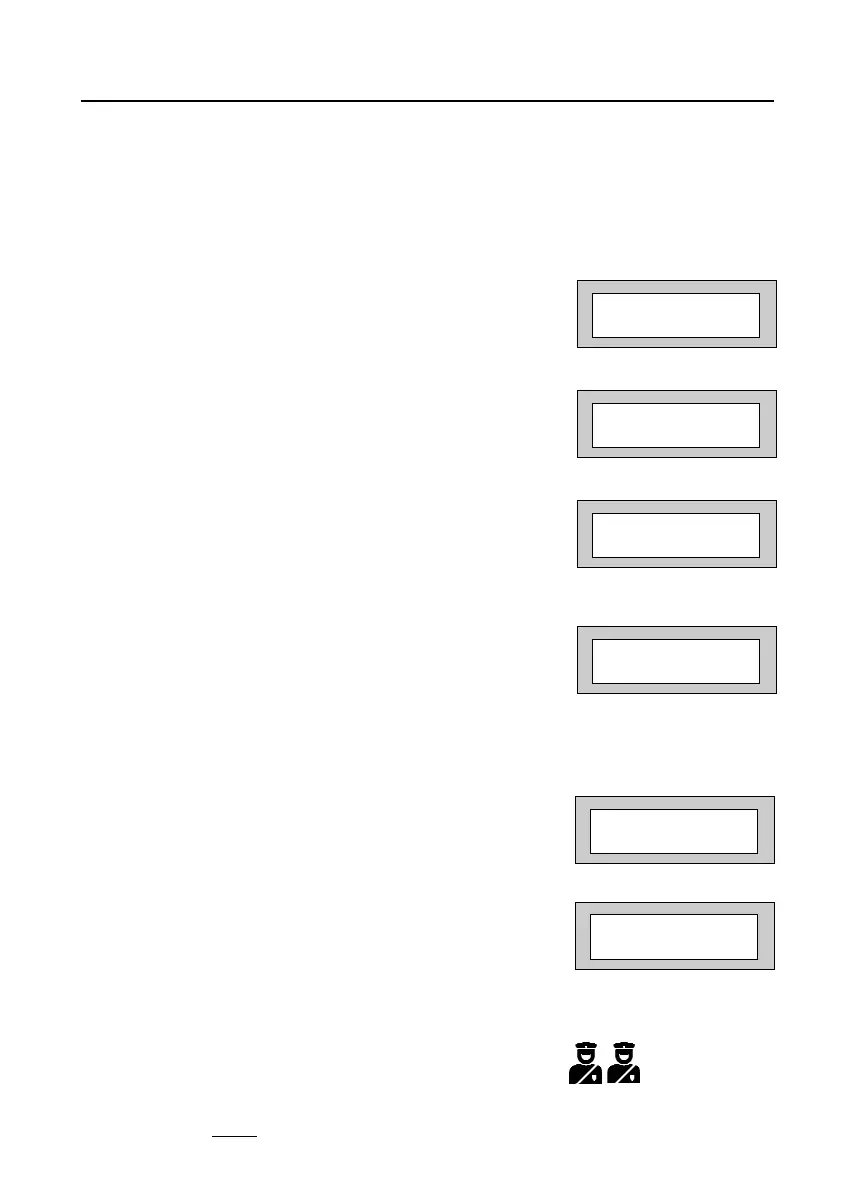
With the display showing:-
2) Press No four times. The display will show:-
3) Press Yes. The display will show:-
Alert 1 Keys refers to Keys 1&3 pressed together.
4) Press Yes. The display will show:-
5) Press the No Key to scroll through the settings
for Alert 1 (Alert 1, 1& 3 Keys).
When the settings you require are displayed press
Yes. The display will show:-
6) Press No. The display will show:-
7) Repeat for the remaining Alerts 2 and Function keys (Alert 3).
Alert 2 Keys refer to Keys 7&9 pressed together.
Function Keys refer to the two recess Keys pressed together (Alert 3).
Note: Function Keys (Recess Keys, Keypad Part No 01152PA) should only be
programmed as Panic
.
Program . . . . _ _ _
Zones ?
Program . . . . _ _ _
Keypad / Kyswitch ?
Program Keypad
Alert 1 keys ?
Alert 1 =Off
1&3 Keys =Off
Program Keypad
Alert 1 keys ?
Program Keypad
Alert 2 keys ?
PR5892 Rev11 800 Series Eng Ref 15.qxd 16/11/2006 11:21 Page 109



 To Next Page