Page 144
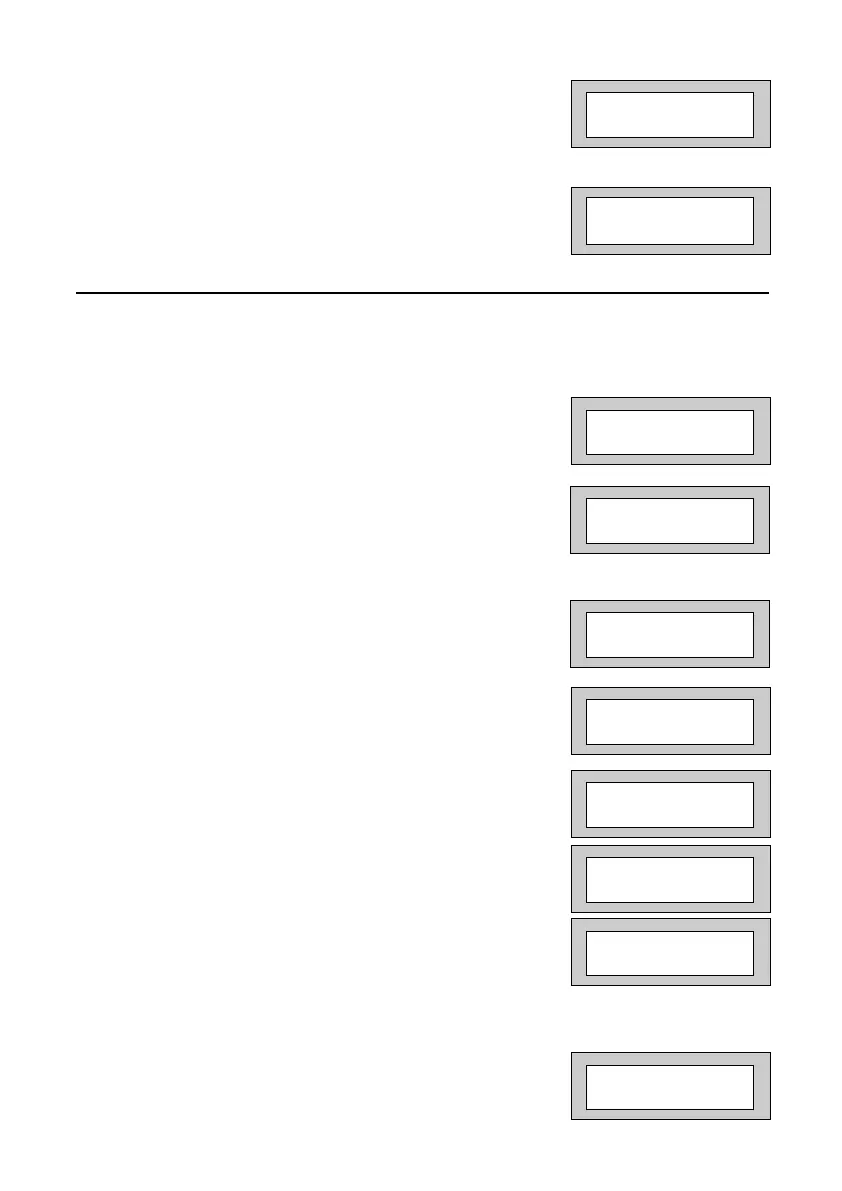
7) As you press Yes for the last character the display
will change to:-
This concludes the Custom Screens.
Press 0 (zero) twice to return to:-
Programming Diagnostics / Log
The GardTec
800
series control panels has some limited diagnostic features available
to the engineer. To access these proceed as follows.
1) Enter into Engineer Mode
To do this follow Steps 1 to 4 on page 79
With the display showing:-
2) Press No fifteen times. The display will show:-
3) Press Yes. The display will show:-
4) Press Yes. The display will show:-
Press No until the required setting is displayed,
then press Yes.
5) The display will show:-
6) Press Yes if you wish to view the Event Log
The display will show:-
Then, for example:-
This is the last event in the Log.
Use the No key to move backward in the Log.
Use the Yes key to move forward in the Log
7) When you have finished viewing the Log press
0 (zero). The display will show:-
01 Jan 00: 00: 01
Program . . . . _ _ _
Zones ?
Program . . . . _ _ _
Diagnostics / Log ?
Zone 003 12hr
01 Jan 02 : 50 : 04
List
Event Log ?
Real - Time Print
=Off
Program . . . . _ _ _
Custom Screens ?
View the Log ?
Program . . . . _ _ _
Diagnostics / Log ?
While Viewing . .
1 = Printer On / Off
PR5892 Rev11 800 Series Eng Ref 15.qxd 16/11/2006 11:21 Page 144



 To Next Page