Page 141
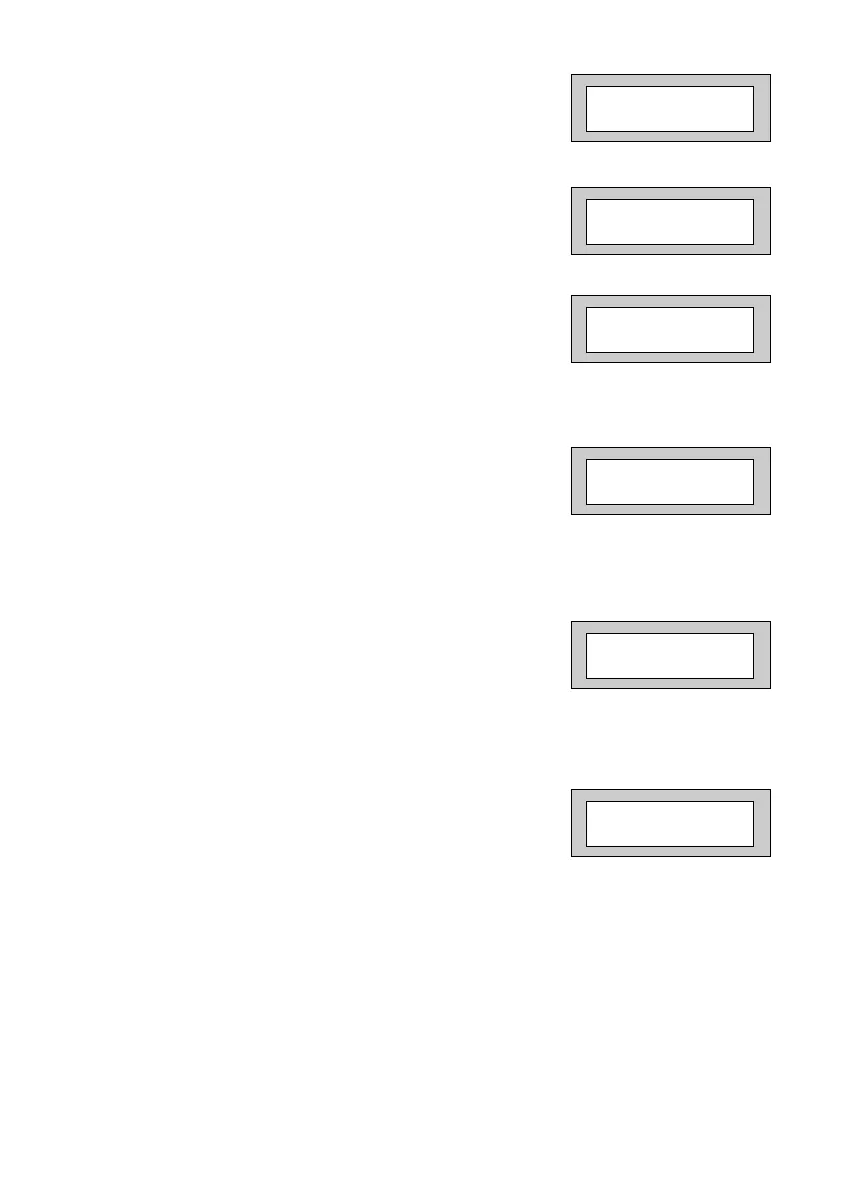
8) Press No twice. The display will show:-
9) Press Yes. The display will show:-
10) Press No twice. The display will show:-
11) Enter the number of weeks you require to the
next service, then press Yes.
The display will show:-
Note: The system will start to warn the end
user that the Service is due two weeks
before the time expires.
12) Press No. The display will show:-
13) Enter the Telephone Number you wish your
customer to dial for service, followed by Yes.
The display will show:-
With Lock - Out turned On the system will
Lock the users out when the Service Time
expires.
With Lock - Out turned Off the system will
continue to warn of Service until the Service
Timer is reset.
Service Timer
> On
Next Service due
in 00 Weeks
Next Service due
in _ _ Weeks
Service Tel. No.
is Un-Programmed
Service Tel. No.
_ _ _ _ _ _ _ _ _ _ _ _ _
! ! ! LOCK - OUT ! ! !
= On
PR5892 Rev11 800 Series Eng Ref 15.qxd 16/11/2006 11:21 Page 141



 To Next Page