Page 161
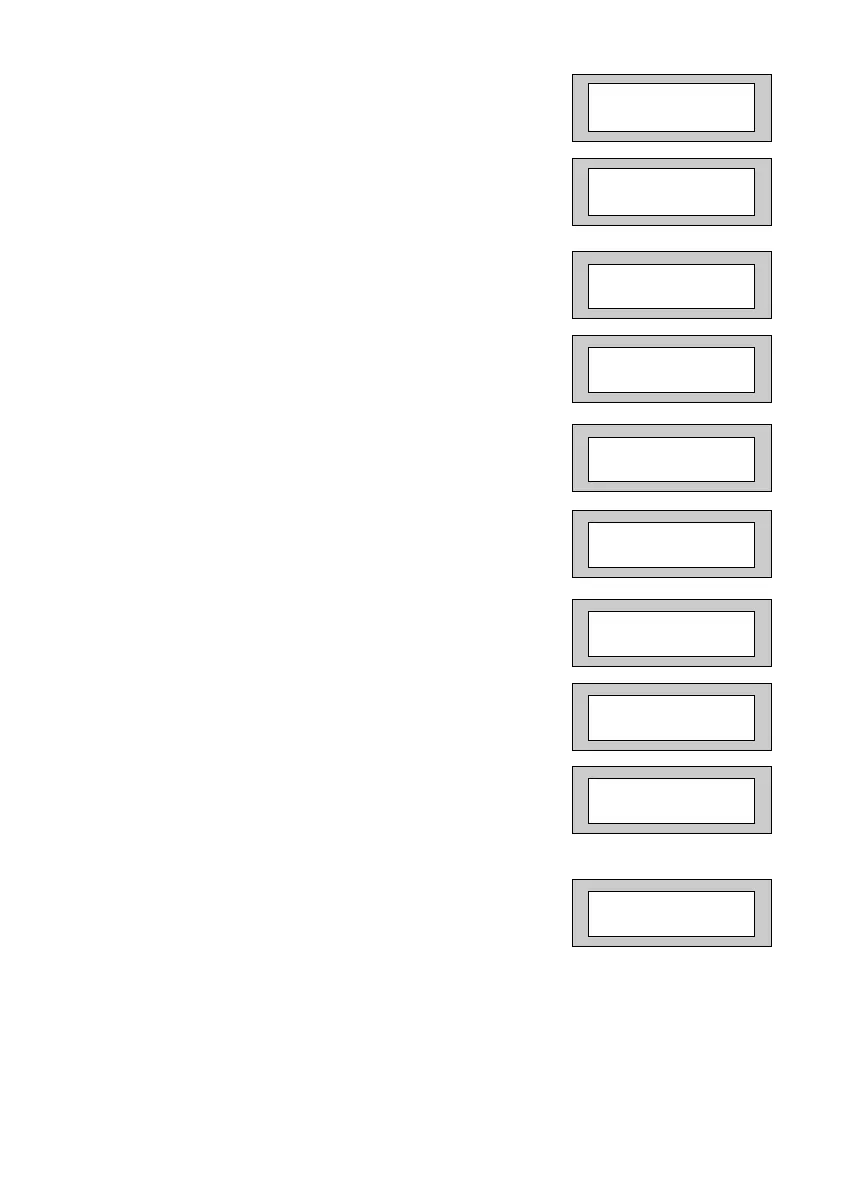
8) Press Yes. The display will show:-
9) Press Yes. The display will show:-
10) Press Yes. The display will show:-
11) Press No. The display will show:-
12) Press No. The display will show:
13) Press Yes. The display will show:-
14) Press Yes. The display will show:-
15) Press Yes. The display will show:-
16) Press Yes. The display will show:-
17) Press Yes. The display will show:-
You MUST turn On the Triggers you require.
STU Adaptor I/P
=Pos
STU Adaptor Pin 7
=Power O/P
Program Digicom
Delay / Part
Program Digicom
Channels ?
Program
Triggers ?
Set = Off Alrm = Off
UnSet = Off PA = Off
Program Digicom
Type or Test
D1 = Off
D2 = Off
D3 = Panic
D4 = Alarm
Channel Start
= Neg
PR5892 Rev11 800 Series Eng Ref 15.qxd 16/11/2006 11:21 Page 161



 To Next Page