Page 16
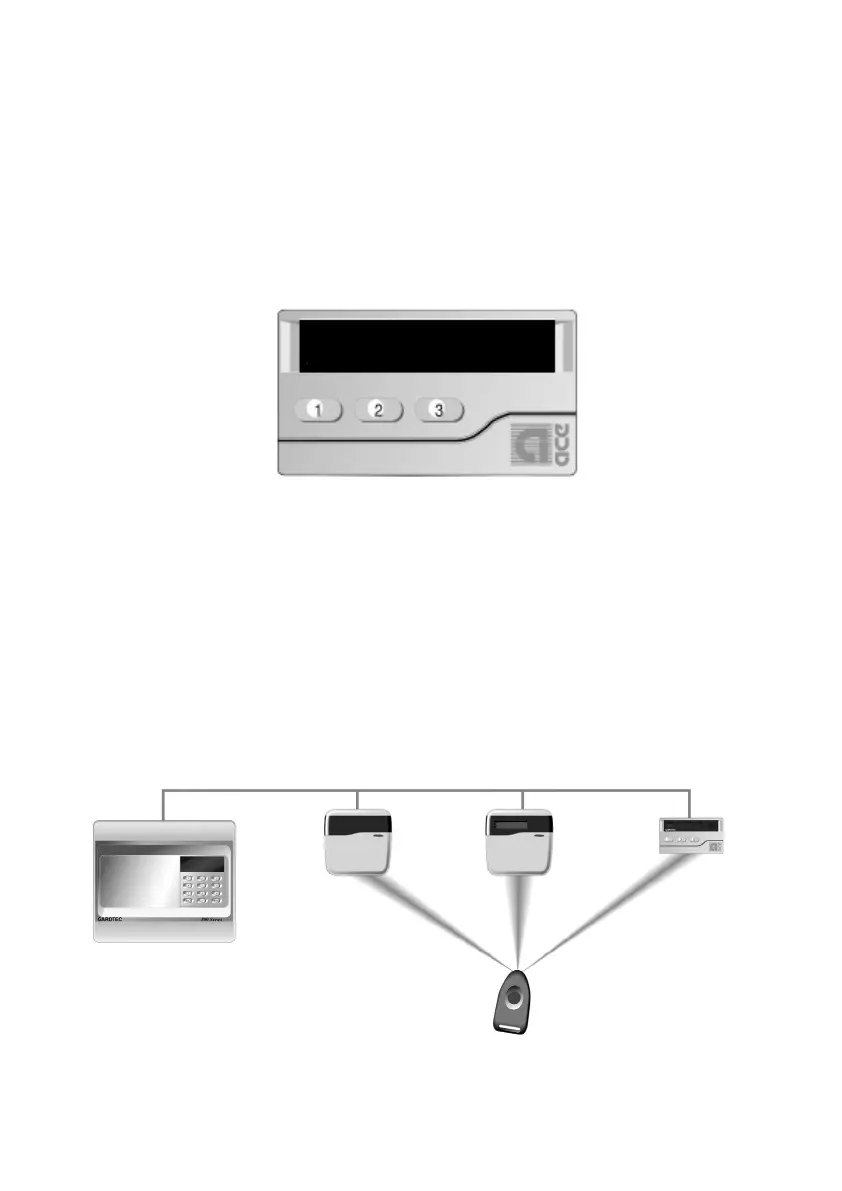
A stand alone ACE receiver is also available. This receiver will allow for the setting,
part setting, unsetting, resetting (if programmed) and activation of alert keys 1 & 3.
Note: Activation of alert keys is not permissible if programming EN2 / EN3 standards.
To mount the ACE receiver remove the front retaining screw of the receiver that is
situated on the underside of the unit, pull the bottom edge of the cover forwards and
upwards in one movement. The PCB may now be removed by unclipping it at the
bottom edge and lifting clear of the base.
Fig 5. ACE Receiver
The base should be fixed to the wall in three positions using 30mm x No.6 screws and
suitable rawl plugs.
It should be noted that the ACE receiver may only be used as keypad ident 1 or 2.
The new Contour range of stylish remote keypads are also available for the full
Gardtec 800 Series range of control panels. These keypads are designed to be fitted
remote from the main control panel and both the LED and LCD versions are available
with ACE as standard.
Fig 5a ACE Receiver and ACE
PR5892 Rev11 800 Series Eng Ref 15.qxd 16/11/2006 11:20 Page 16



 To Next Page