Page 92
83) To add more Zones to Sec. repeat from Step 81.
84) When you have finished adding Zones to Sec.
press Yes. The display will show:-
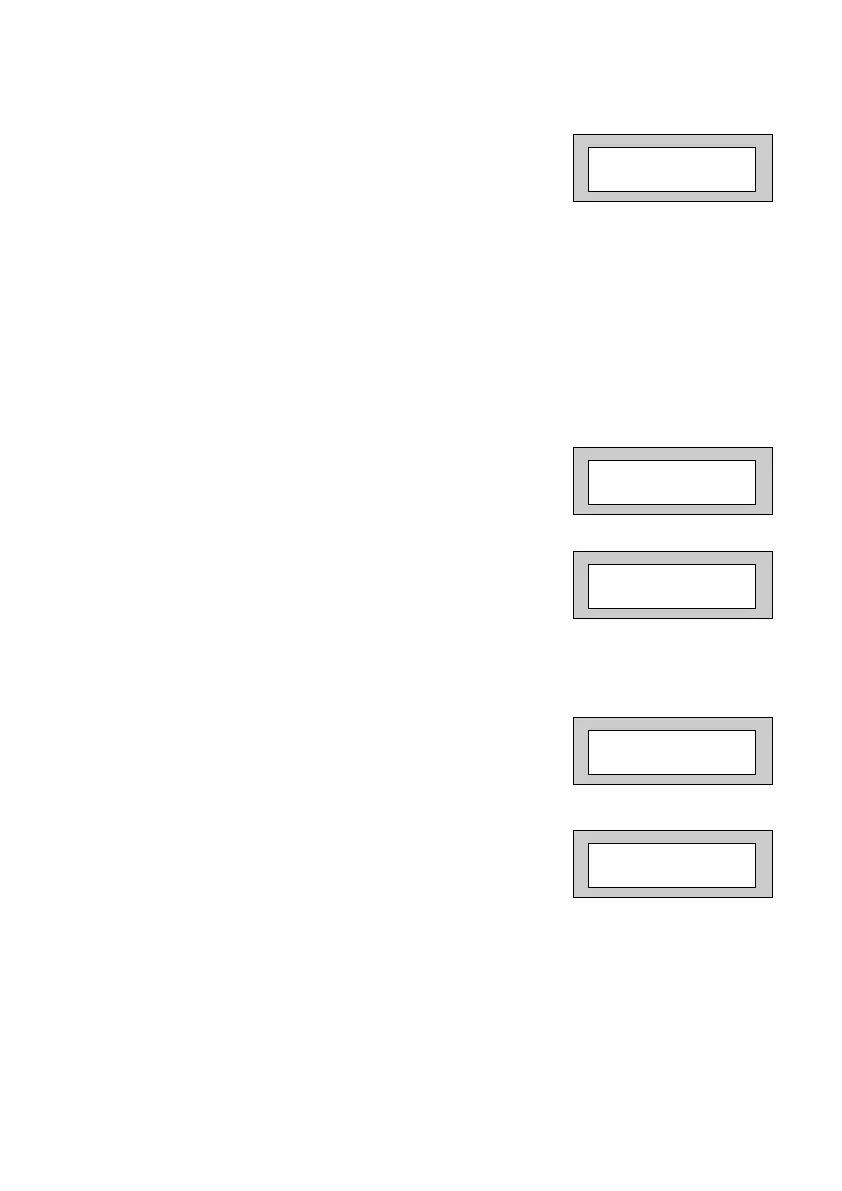
Perimeter Zone:
Zones programmed as perimeter will activate the alarm as normal but will also
activate a comms channel programmed as perimeter.
85) If you do not wish to enter Per. Zones press Yes
and jump to Step 90.
Otherwise
86) Press No. The display will show:-
87) Enter the Zone number you require for Per.
followed by Yes.
The display will show for example:-
88) To add more Zones to Per. repeat from Step 86.
89) When you have finished adding Zones to Per.
press Yes. The display will show, for example:-
90) Press 0 (zero), then No. The display will show:-
DKnock/Arm/Log:
Zones on double knock are required to activate twice within the double knock
time window or stay active for fifteen seconds to generate an alarm condition.
Arm is used to program the zones to automatically re-arm after an activation.
It should be noted that a zone still violated when the system times out after
an alarm, will not re-armed.
Per. None
Enter Zone # _ _ _
then +YES or -NO
Per. 002
Test None
Program Zone
DKnock / Arm / Log ?
PR5892 Rev11 800 Series Eng Ref 15.qxd 16/11/2006 11:21 Page 92


 To Next Page