Astro
Dog Tracking System Owner’s Manual 33
GPS Applications
Sighting Page
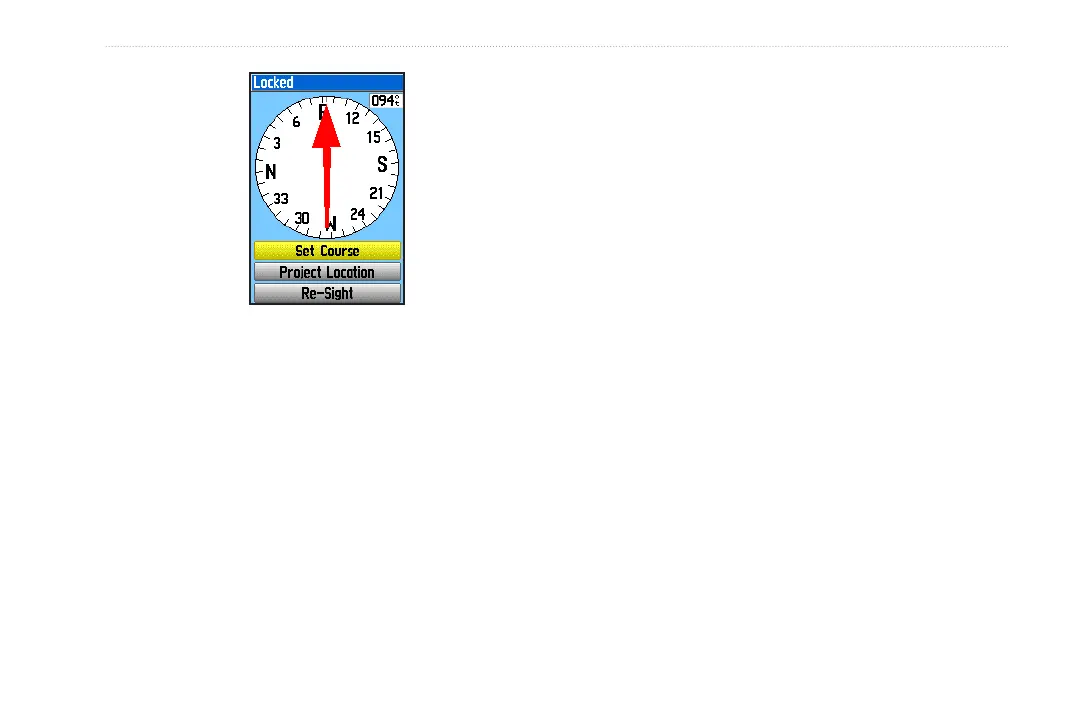
4. Select Set Course to open the Compass page.
5. Begin traveling to your destination on a course line
using the course pointer as a guide.
OR
Select Project Location to open the Project Location
page.
6. Enter an estimated distance from your current location
to establish a projected location.
7. Select
Go To to open the Map page and begin
navigation to the projected location. The Compass
page shows a bearing pointer for guidance.
Stop/Resume Navigation
To stop navigation:
Press MENU > select Stop Navigation.






 To Next Page