GNS 430 Pilot’s Guide and Reference
SECTION 3
NAV PAGES
3-9
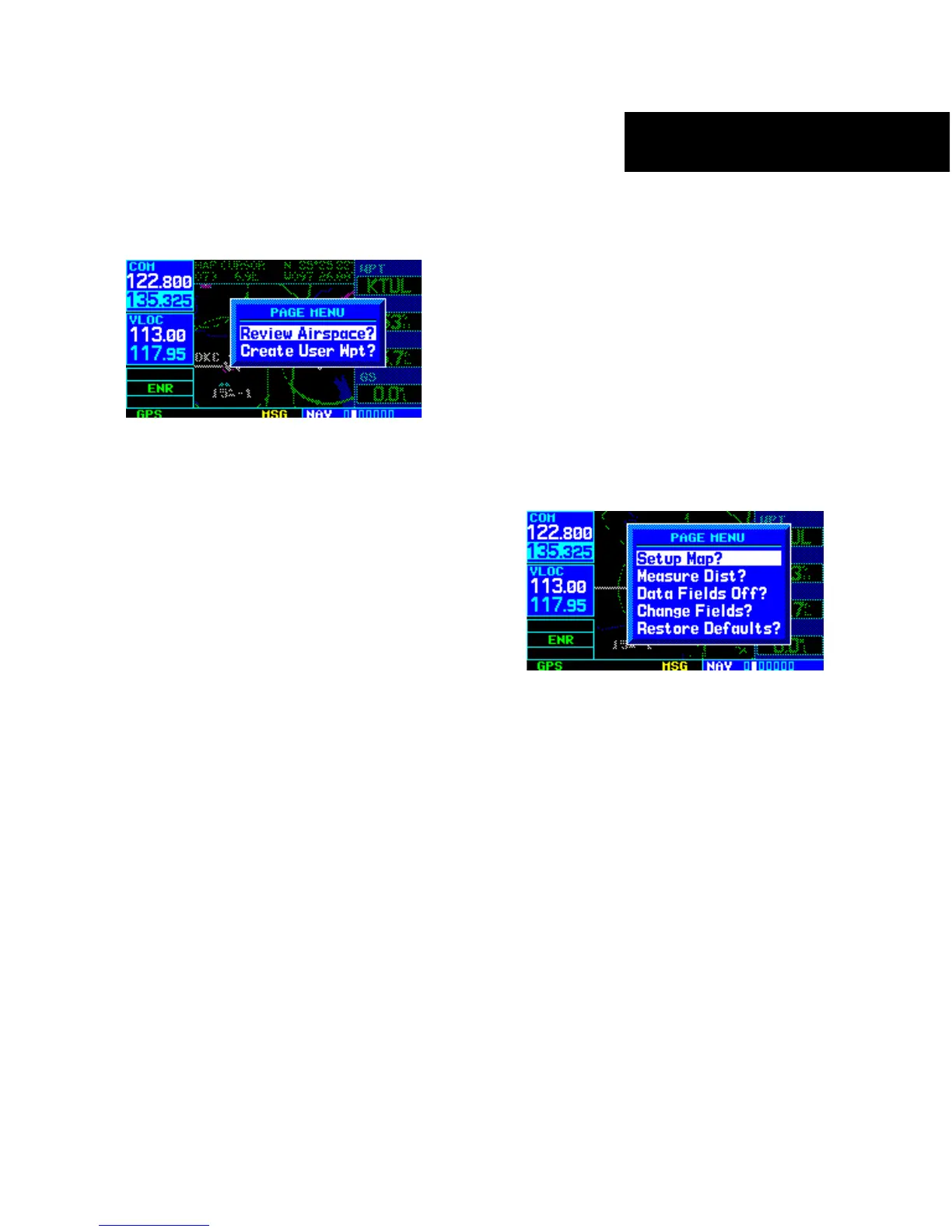
2) Press the ENT Key to display an options menu
(Figure 3-15).
Figure 3-15 Map Panning Options Window
3) ‘Review Airspace?’ should already be
highlighted, if not select it with the small
right knob. Press the ENT Key to display the
Airspace Information Page for the selected
airspace.
4) To display the COM frequency(ies) for the
controlling agency, turn the large right knob to
highlight ‘Frequencies?’ and press the ENT Key.
Press the CLR Key to return to the Airspace
Information Page
.
5) Press the CLR Key to exit the Airspace
Information Page.
Map Setup
Many of the GNS 430’s functions are menu driven.
Each of the main pages has an options menu, allowing
customization of the corresponding page to the pilot’s
preferences and/or selection of special features which
specifically relate to that page. A Map Page Menu (Figure
3-16) provides additional settings to customize the Map
Page and additional features related specifically to the
Map Page.
To display the Map Page Menu:
Press the MENU Key with the Map Page
displayed (Figure 3-16).
Figure 3-16 Map Page Menu
The following options are available: ‘Setup Map?’,
‘Measure Dist?’, ‘Data Fields Off?’, ‘Change Fields?’, and
‘Restore Defaults?’.
‘Setup Map?’ allows configuration of the Map Display
to individual preferences, including map orientation,
land data enable/disable, Jeppesen data enable/disable,
automatic zoom, airspace boundaries, and text size.





 To Next Page