GNS 430 Pilot’s Guide and Reference
SECTION 3
NAV PAGES
3-13
To turn the data fields off/on:
From the Map Page Menu,Turn the large right
knob to
highlight ‘Data Fields Off?’ (or ‘Data
Fields On?’) and press the ENT Key.
Selecting Desired On-Screen Data
‘Change Fields?’ allows selection of the data displayed
on the four user-selectable data fields along the right-
hand side of the Map Page. There are fourteen available
data types, including bearing to destination, distance
to destination, estimated time of arrival, ground speed,
minimum safe altitude, and track. See Section 13.3 for
descriptions of these (and other) navigation terms.
To change a data field:
1) From the Map Page Menu, turn the large right
kn
ob to highlight ‘Change Fields?’ (Figure
3-23) and press the ENT Key.
Figure 3-23 Map Page Menu
2) Turn the large right knob to highlight the data
field to be changed.
3) Turn the small right knob to select the type of
data (Figure 3-24) desired to appear on this
field and press the ENT Key.
Figure 3-24 Select Data Field Window
4) Press the small right knob to remove the
cursor.
NOTE: The on-screen traffic information occupies
two data fields, leaving room to display only two
additional data types. Traffic information is only
available when the GNS 430 installation includes
connection to traffic information sources. See
400 Series Pilot’s Guide Addendum, part number
190-00140-13.
Restoring Factory Settings
‘Restore Defaults?’ resets all four user-selectable data
fields to their original factory default settings.
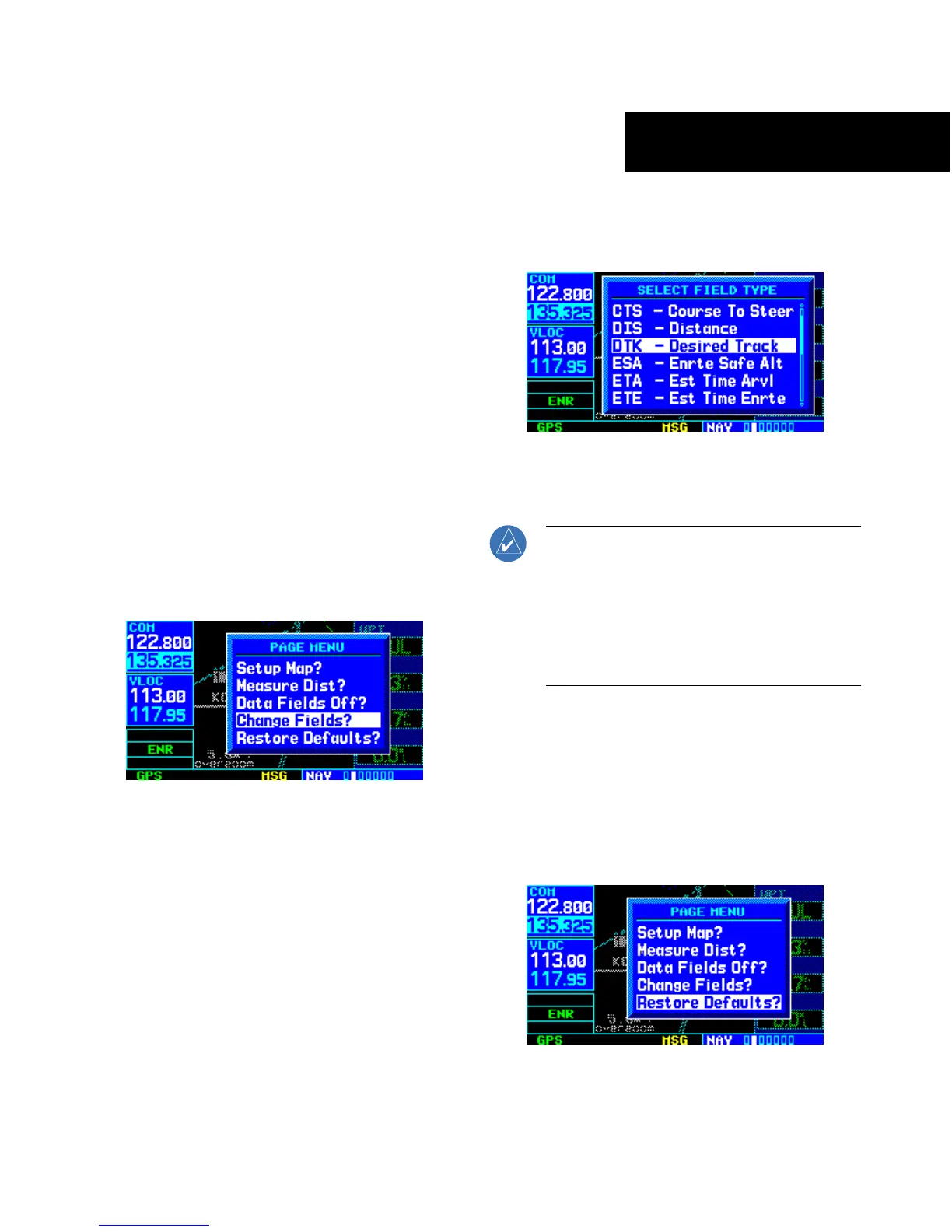
To restore the factory default settings:
From the Map Page Menu, turn the large right
knob to
highlight ‘Restore Defaults?’ (Figure
3-25) and press the ENT Key.
Figure 3-25 Map Page Menu





 To Next Page