GNS 430 Pilot’s Guide and Reference
4-6
SECTION 4
DIRECT-TO NAVIGATION
Specifying a Course to a Waypoint
When performing a direct-to, the GNS 430 sets a direct
great circle course to the selected destination. The course
to the destination can also be manually defined using the
‘CRS’ course field on the Select Direct-to Waypoint Page.
To manually define the direct-to course:
1) Press the Direct-to Key.
2) Use the small and large right knobs to select
the destination waypoint.
3)
Press the ENT Key to confirm the selected
waypoint, then turn the large right knob
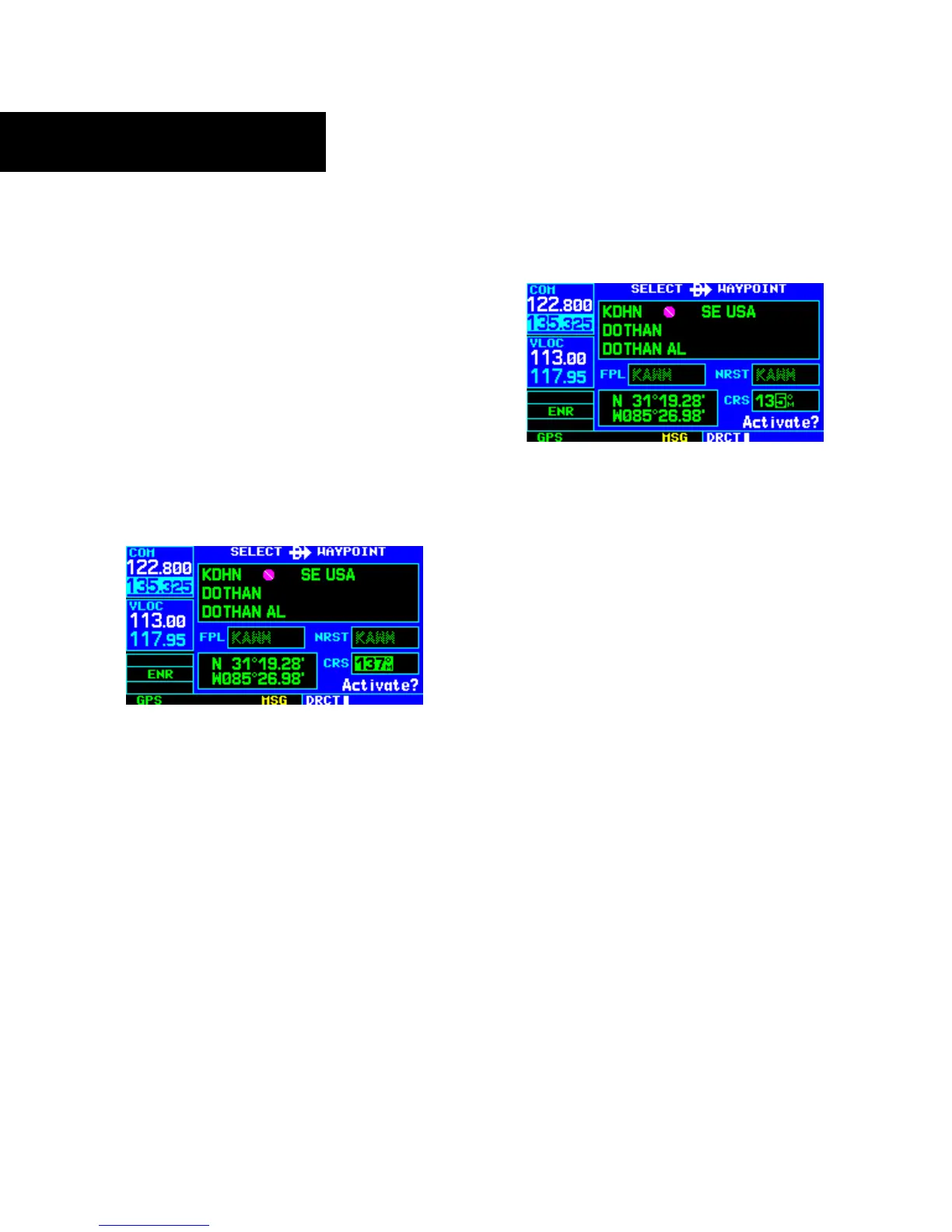
to highlight the course (‘CRS’) field (Figure
4-13).
Figure 4-13 CRS (Course) Field Highlighted
4) Turn the small and large right knobs to select
the desired course (Figure 4-14) and press the
ENT Key.
Figure 4-14 Course Field Selected
5) Press the ENT Key again to begin navigation
using the selected destination and course.
6) To re-select a direct course from present
position (or select a new manually-defined
course), simply press the Direct-to Key,
followed by the ENT Key twice.





 To Next Page