GNS 430 Pilot’s Guide and Reference
SECTION 6
PROCEDURES
6-5
The steps required to set up and fly the approach
are detailed below (refer to Figure 6-8 for the following
steps):
1) Prior to departing KFDK, the destination (KLYH)
is selected using the Direct-to Key or by
creating a flight plan terminating at Lynchburg
Regional.
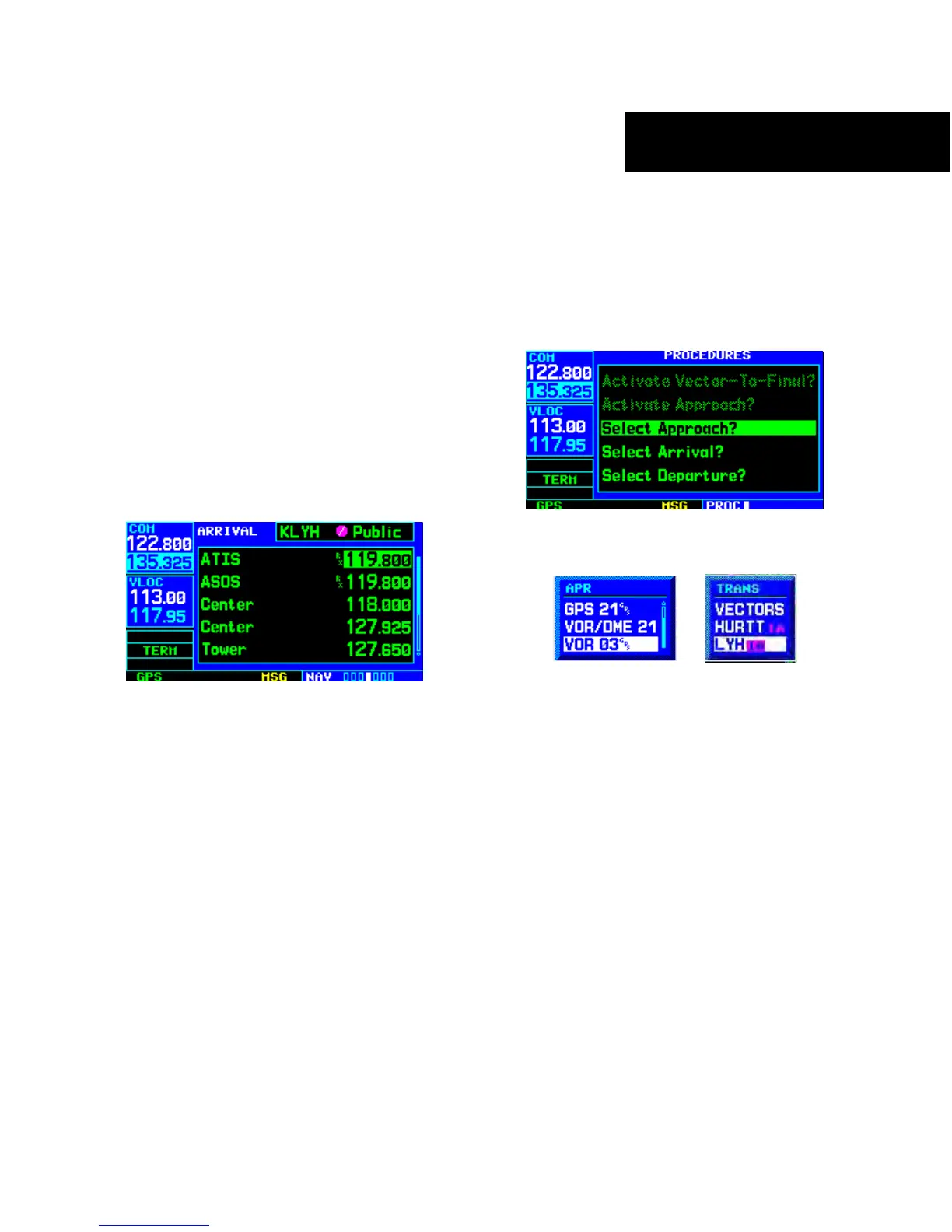
2) While enroute to KLYH, select the ATIS
frequency from the list on the NAV/COM Page
(Section 3.6 and Figure 6-9) and place it in
the standby field of the COM Window. Use
the COM Flip-flop Key to make the ATIS
frequency active.
Figure 6-9 NAV/COM Page
3) Press the PROC Key (Figure 6-10) and select
the ‘VOR 03’ approach using the steps outlined
in Section 6.1. From the Transitions Window
(Figure 6-11), select LYH VOR (the IAF). Also,
select ‘Load?’ to load, but not activate, the
approach.
Figure 6-10 Procedures Page
Figure 6-11 Approach and Transitions Windows
4) Press the PROC Key, select ‘Activate Approach?’
and press the ENT Key to activate the
approach.





 To Next Page