42 GPSMAP 60CSx Owner’s Manual
MAIN PAGES >
• Data Fields—opens the Show sub-menu so
you can select the number of data fields to show
at the top of the Map Page: Map Only, 2, 3, or 4
data fields.
• Change Data Fields
—allows you to select the
type of data you want to show in the data fields.
This option is available only if the 2, 3, or 4
data fields option have been selected.
• Guidance Text
—shows messages on the screen
advising you of your next navigation move
when navigating to a destination.
• Setup Map
—accesses six pages of Map
display settings so you can customize the map
to your preferences.
• Measure Distance (Stop Measuring)—
measures the distance from your current
location to the map pointer.
• Turn Declutter On (Off)
—eliminates the
display of items on the map that can block road
details when the map is zoomed out.
• Restore Defaults
—returns the map display to
the factory set defaults.
Guidance Text
When navigating, guidance text appears above the
map. Guidance Text shows useful information when
navigating to a destination.
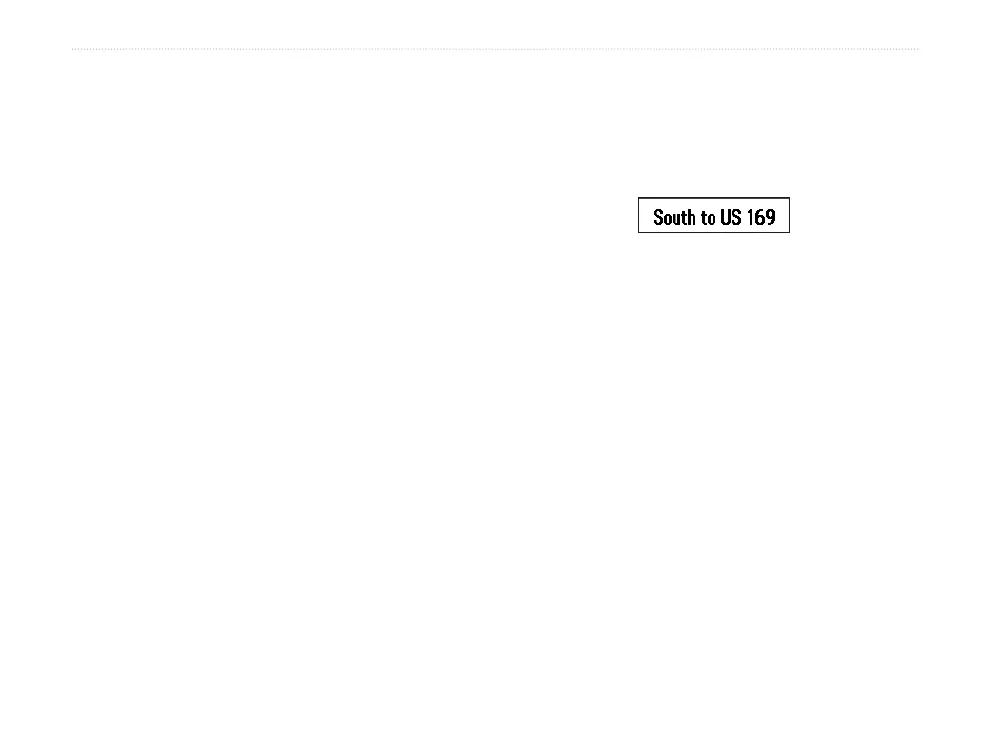
Guidance text
To show guidance text:
1. Press MENU to open the Map Page Options
Menu.
2. Highlight Guidance Text, and press ENTER.
The Guidance Text sub-menu opens.
3. Select an option (Always Show, Never
Show, or Show When Navigating), and press
ENTER.
If you select Always Show, a guidance message
always appears whether or not you are navigating.
If you select Show When Navigating, a guidance
message appears until you select Stop Navigation
from the Options Menu.















 To Next Page