86 GPSMAP 60CSx Owner’s Manual
MAIN MENU >
Hunt and Fish
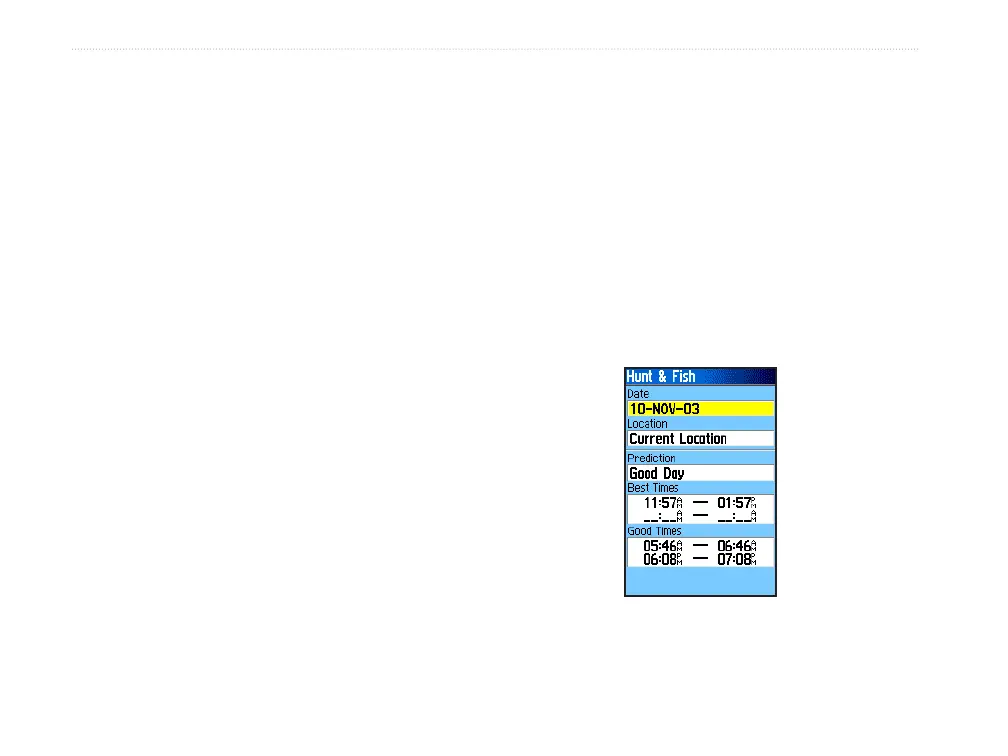
The Hunt and Fish Tables provide you with a listing
of predicted best times for hunting and fishing for a
chosen date and location.
To show hunting and fishing predictions
for a specified date and location:
1. Press MENU twice to open the Main Menu.
2. Select the Hunt & Fish icon, and press
ENTER. The current date and location appear
in the date and location fields at the top of the
page.
3. To view the predictions for a different date,
highlight the Date field, and press ENTER to
open the on-screen keypad.
4. To view the predictions for a different location,
highlight the Location field, and press ENTER
to open the New Location Options Menu.
Choose Use Map to select a point on the map
using the pointer arrow. Press ENTER to show
the table for that location. The Location field
now states “Map Location.”
Choose Use Find Menu to select a point from
the Find Feature database. Follow instructions
for using the Find Feature beginning on page
16. When a find item is selected, highlight
the Use button at the bottom of the item
information page, and press ENTER. The
Location field now shows the name of the find
item.
5. To return to the current date, press the MENU
key, and then press ENTER.
Hunt and Fish Page















 To Next Page