62 GPSMAP 60CSx Owner’s Manual
MAIN PAGES >
Changing the Data Fields
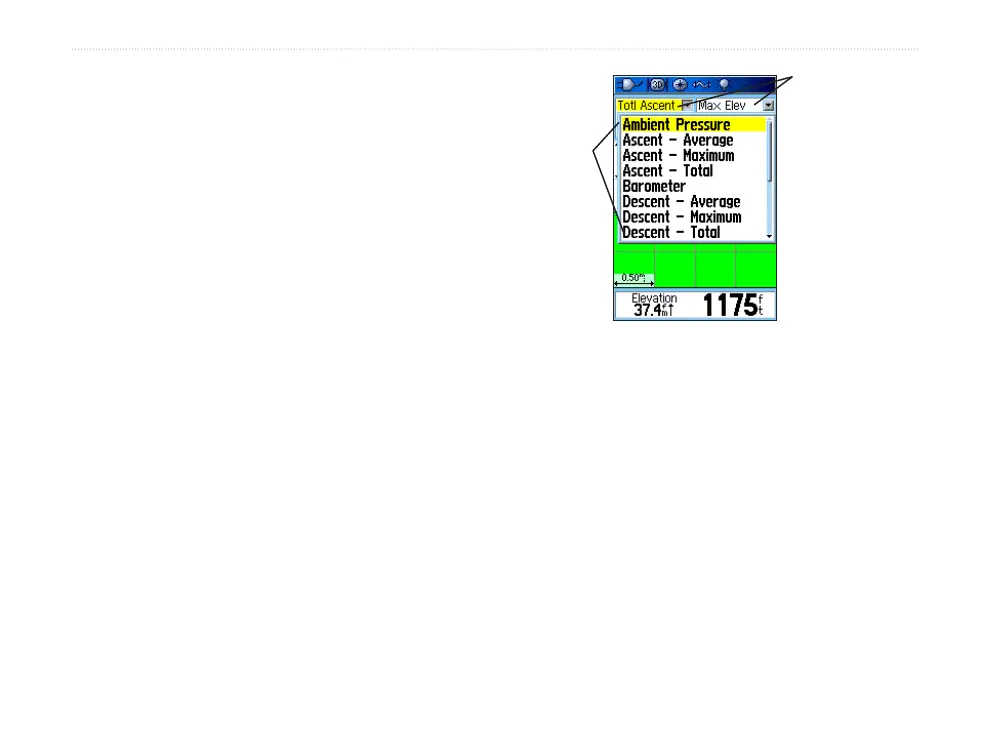
The Altimeter Page has two data fields that you can
customize. (For definitions, see page 84.)
To change a data field:
1. Press MENU to open the Altimeter Page
Options Menu.
2. Highlight Change Data Fields, and press
ENTER.
3. Use the ROCKER to highlight a data field, and
press ENTER to view a list of available data
field options.
4. Press up or down on the ROCKER to highlight
an option, and press ENTER to place it in the
data field.
Data field
options
Data
fields















 To Next Page