GPSMAP 60CSx Owner’s Manual 69
MAIN MENU >
• NMEA In/NMEA Out—supports input and
output of standard NMEA 0183 version 3.01
data.
• TEXT OUT—allows ASCII text output of
location and velocity information. No input.
• NONE—provides no interfacing capabilities.
If you select NMEA In/NMEA Out or Text Out,
additional fields appear. The baud rate for NMEA
In/NMEA Out is locked at 4800. If selecting Text Out
highlight the Baud Rate field, and press ENTER.
Use the ROCKER key to highlight the desired setting
and press ENTER.
USB Mass Storage—allows
the microSD card to be used as
a USB Mass Storage device. It
also allows transfer of Track Log
Data to Garmin MapSource.
To activate USB Mass
Storage:
1. Connect the unit to a
computer using the USB
cable.
2. Highlight the on-screen USB Mass Storage
button and press ENTER.
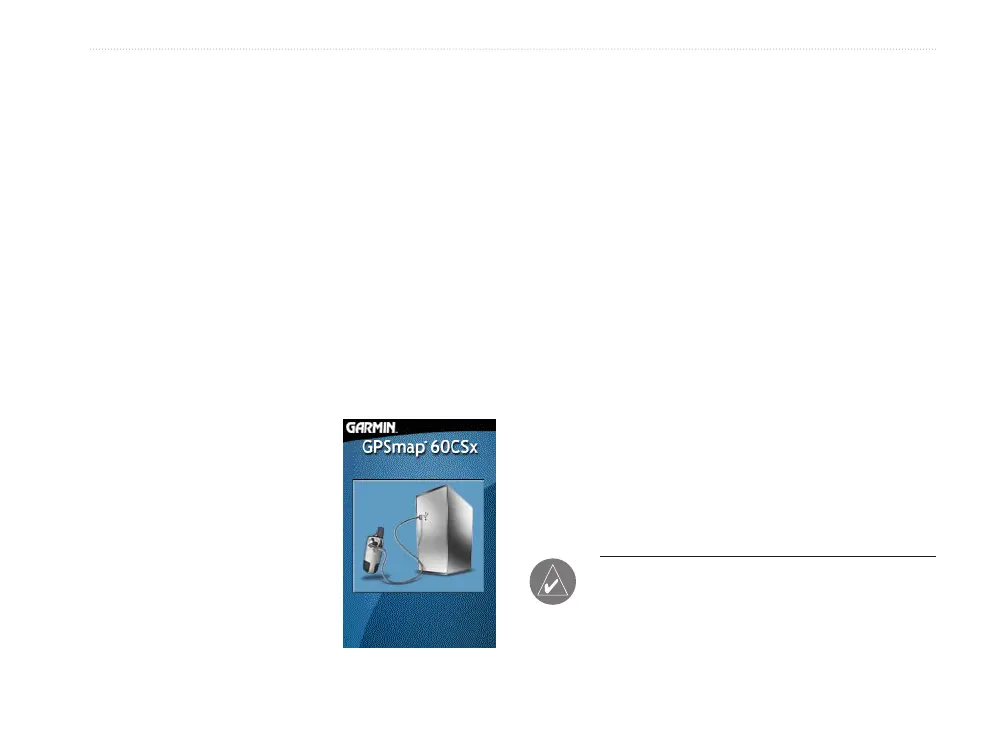
3. Observe an illustration of the GPSMAP 60CSx
connected to a computer and an Unplug or Eject
icon shown on a PC’s system tray or a storage
device icon for the microSD on a Macintosh
®
.
4. Double-click on a PC’s My Computer to
observe a new Removable Disk Drive listed. If
drives are networked, see the note below.
If using a Macintosh, double-click on the icon to
view the directory of files on the microSD card.
To transfer files to the microSD card:
1. Double-click the My Computer icon on a PC’s
desktop.
2.
Browse the PC or Macintosh for the file to copy.
3. For a PC, highlight the file and select Edit
> Copy and
open the drive identified with the
GPSMAP 60CSx.
NOTE: If you have several network drives
mapped to your computer, Windows
®
may
experience difficulty assigning a drive letter for
your unit microSD card. Either log on without
connecting to the network or click Start >















 To Next Page