80 GPSMAP 60CSx Owner’s Manual
MAIN MENU >
Forward Throw and Course to HARP allow a user
to determine the direction and magnitude the aircraft
carries him after jumping and before free fall or
canopy drift begins.
To set Forward Throw and Course to HARP:
1. Highlight the field, and press Enter to open the
numerical keypad.
2. Enter the values and select OK to close.
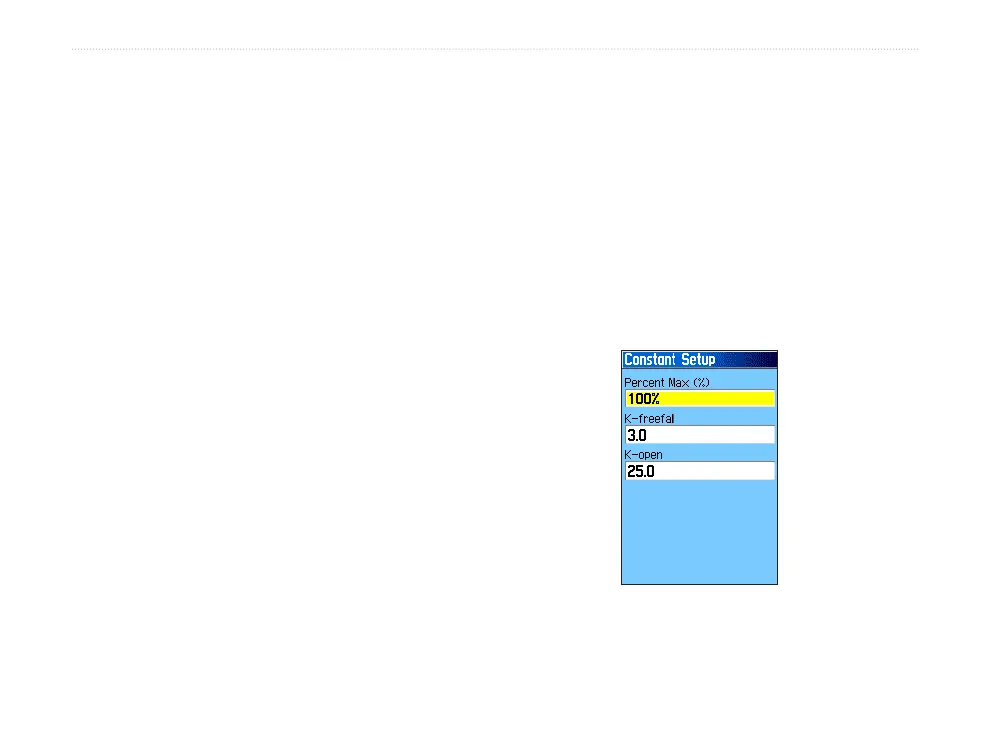
Constant Setup
The Constant Setup Page allows you to fine-tune
certain aspects of the planned jump.
All jump types also can use a “Percent Max” to
increase or decrease the range or their jump. Entries
less than 100% decrease drift distance to the DIP
while those greater than 100% increase drift distance.
More experienced jumpmasters may choose to use
smaller numbers while those less experienced may
use larger numbers.
Safety Factor is used in HAHO jump types to allow
a margin or error for a jump. Safety factors are
usually integer values, no smaller than two, and are
determined by the jumpmaster based on specifications
for the jump.
A number of K values can be specified for different
jumps. HAHO jumps use K-open while HALO jumps
use K-open and K-freefall. Static jumps use K-static.
K-values are based on the parachute canopy rating.
Each parachute should be labeled with a K value.
Common values may range from 3.0 for K-freefall to
48.0+ for HAHO K-open.
Constant Setup















 To Next Page