16 GPSMAP 76 Owner’s Manual
bAsIc operAtIon > creAtInG A neW route
Add Waypoint—displays the Points Menu (see page
42 for information on the Points Menu). Highlighting
the dashed line in the waypoint eld on the Route
page and pressing ENTER it is the same as making
this selection. Use the Points Menu to display an
Information page, highlight the OK Button, and press
ENTER.
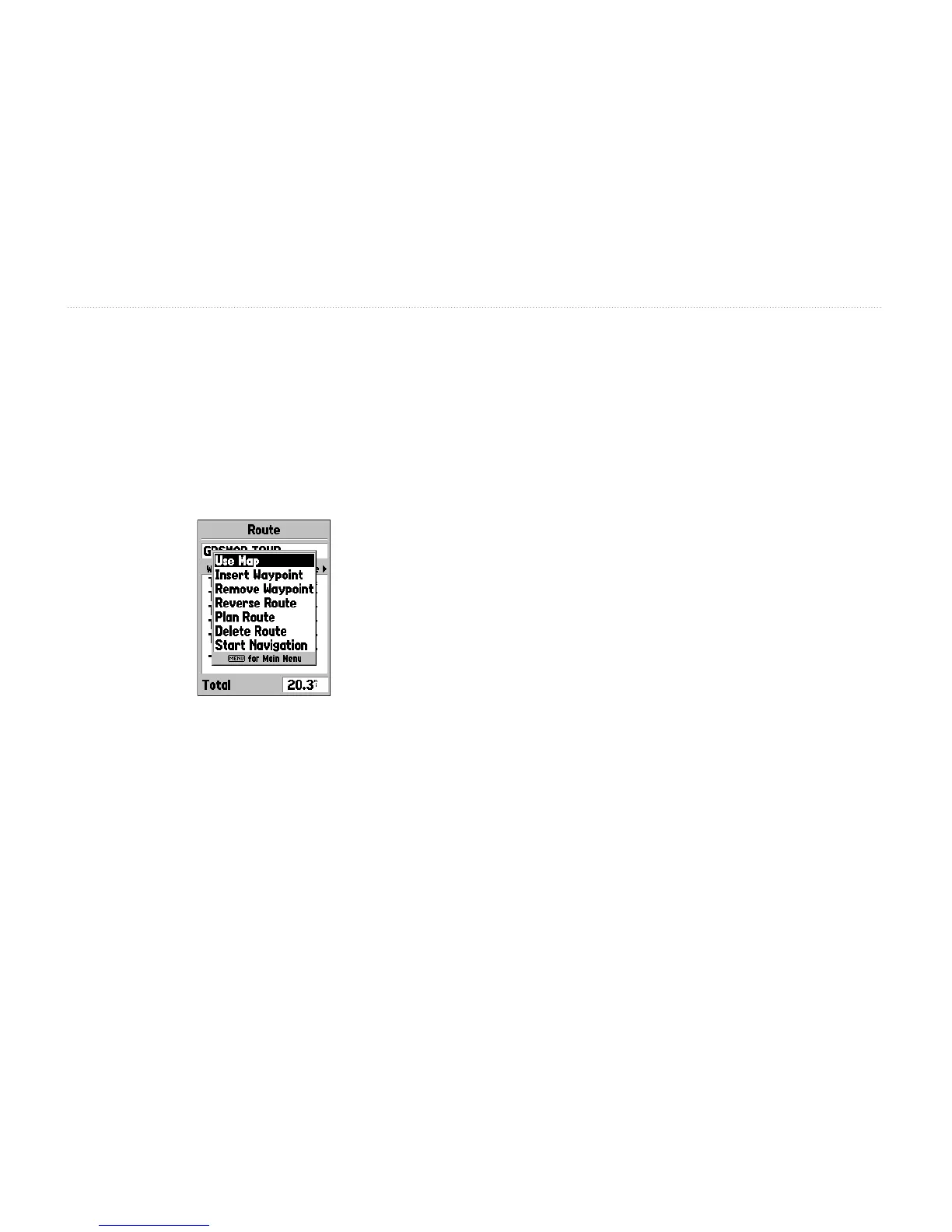
New Route Menu
Using a combination of the Map Page and
Route Page—enables you to create a route using a
combination of the methods described above. Start
with a blank Route page. Enter a waypoint manually
or press the MENU key and select Use Map. You can
select Use Map at any time while creating a route.
Press QUIT to display the Route page after you have
nished using the map. You can continue entering
waypoints manually.
Naming the Route—automatically names the route
using the rst and last waypoint names as a reference.
To change the Route Name, highlight the Name eld,
press ENTER, and use the ROCKER key to scroll
through the alphanumeric list and enter the new name.
Press ENTER to accept the changes.














 To Next Page