GPSMAP 76 Owner’s Manual 33
MAIn pAGes > MAp pAGe
Other Tab
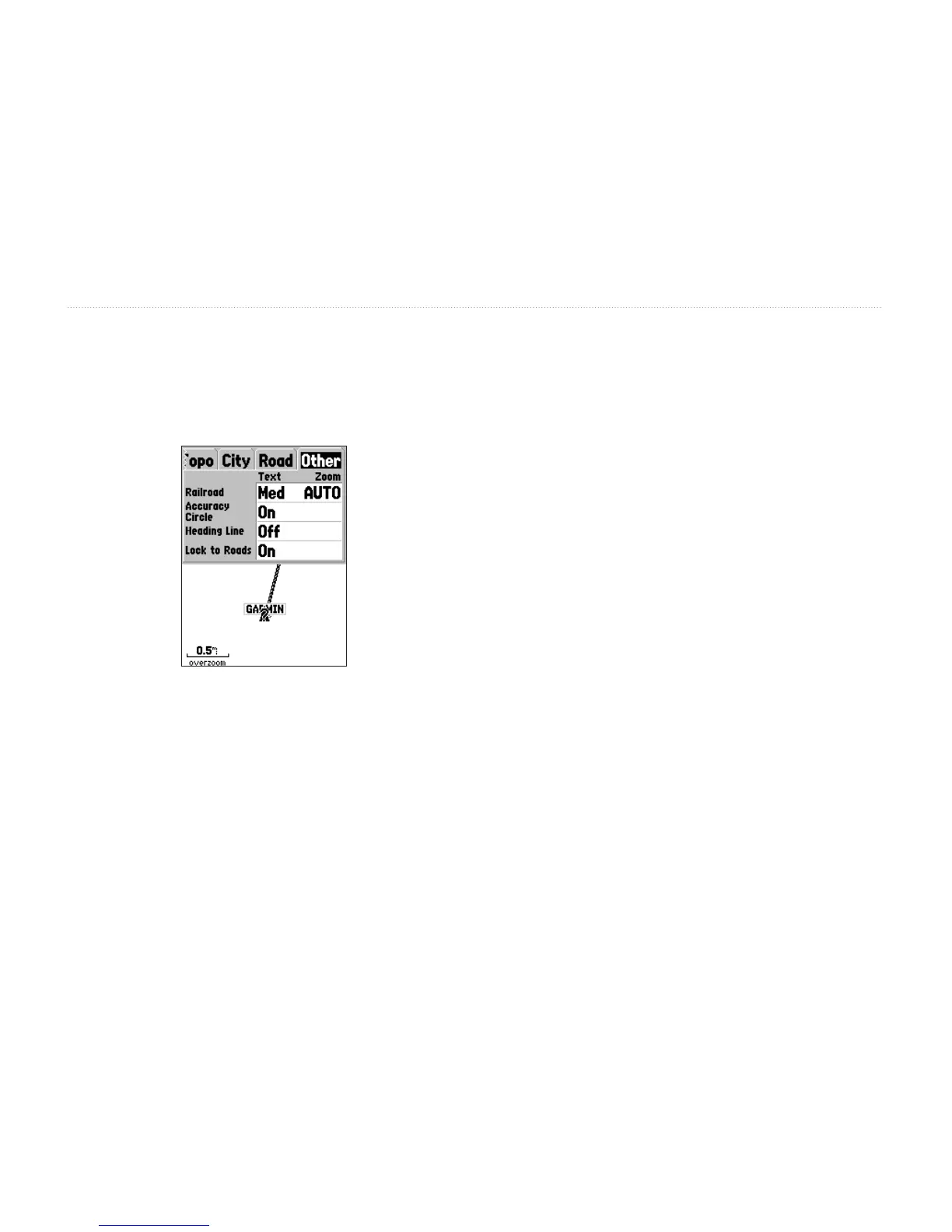
The Other tab contains the Text and Zoom settings for
Railroad and Text setting for the Accuracy Circle,
Heading Line, and Lock to Roads.
Railroad—controls the display of railways lines.
Accuracy Circle—is displayed around the Location
Triangle on the Map page. The Accuracy Circle depicts
the estimated accuracy of the location. If your current
location is matched to a road, the Accuracy Circle is
not displayed.
Heading Line—If the Heading line is On, a line
showing your current heading is projected on the map
from the current location. The Heading line appears as
a thin black line.
Lock to Roads—If Lock to Roads is On, the unit
attempts to match your location to a road.














 To Next Page