30 GPSMAP 76 Owner’s Manual
MAIn pAGes > MAp pAGe
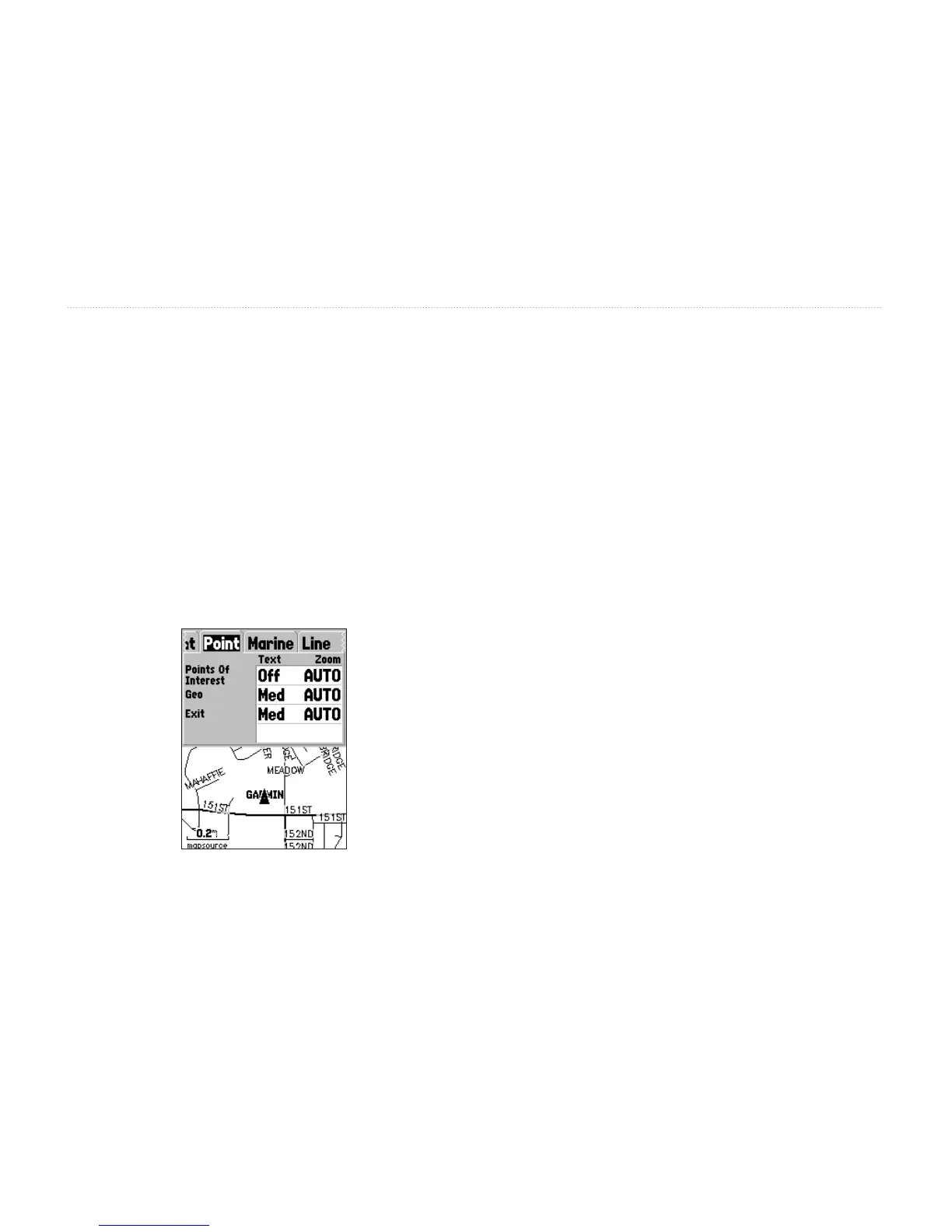
Point Tab
The Point tab contains the Points of Interest, Geo, and
Exit option settings. Each of the options has a Text and
Zoom setting.
Points of Interest—include general business listings
such as restaurants, hotels, and gas stations.
Geo—include points such as schools, cemeteries,
churches, towers, lakes, and parks.
Exit—includes exit information for the US
and Canada.
Marine Tab
The Marine tab contains text settings for spot sounding
and text and zoom settings for navaids, tide stations,
and services.
Spot Soundings—are depth readings shown in
MapSource software designed for water navigation
such as BlueChart.
Navaids—are aids to navigation such as landmarks,
mile markers, hazards, light houses, and buoys.
Tide Stations—are stations where tide information
is gathered.
Services—include Marinas, Gas Stations, etc.














 To Next Page