GPSMAP 76 Owner’s Manual 43
MAIn Menu > poInts
Find By Name—displays a list containing all User
Waypoints. Waypoints are selected by entering the
waypoint name in the data eld or scrolling through the
Waypoint List.
As you enter a waypoint name, the GPSMAP 76
updates the waypoint list to show waypoint names that
coincide with the letters entered. When the desired
name appears, press ENTER to select.
Delete Waypoint—deletes the selected waypoint.
Delete By Symbol—deletes all waypoints with the
same symbol as the selected waypoint.
Delete All—deletes all of the user waypoints.
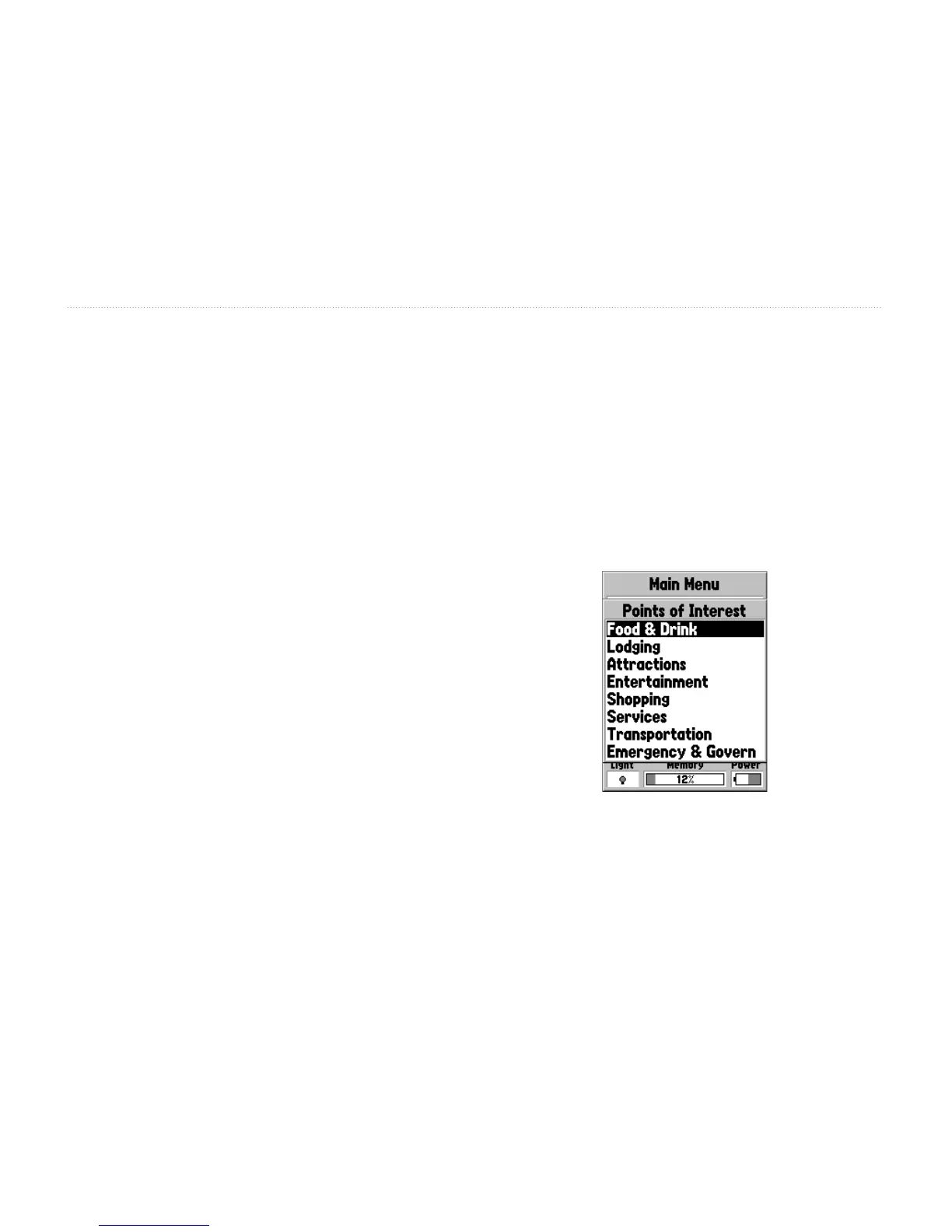
Points Of Interest
Points of Interest (POI) are only available when
MapSource CD data that contains Points of Interest
information is loaded in the unit. The different Points
of Interest displayed depends on the MapSource data
that is loaded. When Points of Interest is selected, the
Points of Interest Selection page is displayed. Highlight
the desired item then press ENTER to select a Points
of Interest item.














 To Next Page