38 GPSMAP 76 Owner’s Manual
MAIn Menu > overvIeW
MaIn Menu
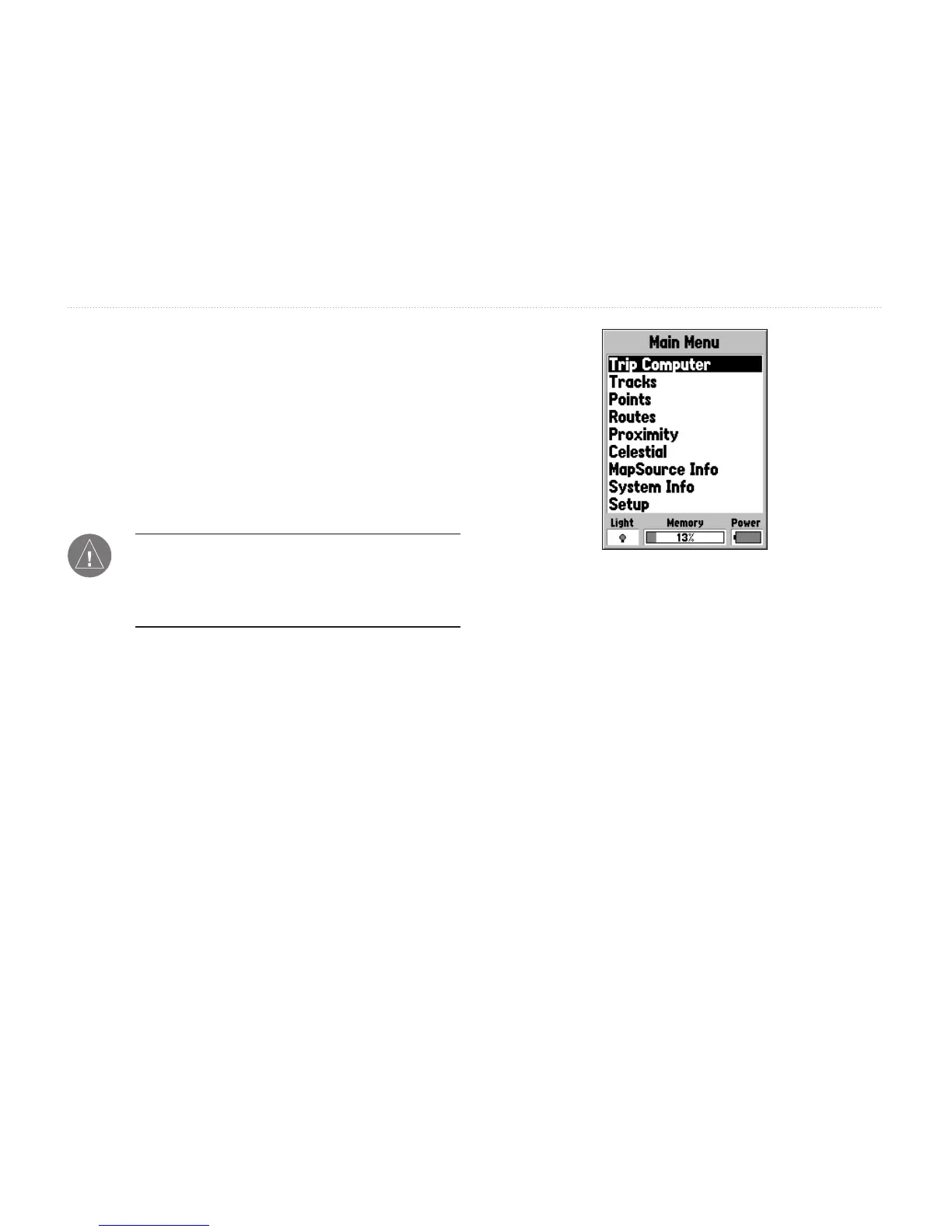
The Main Menu page contains settings and features
that are not contained on the Main Pages and
submenus. The Main Menu is accessed from any of
the Main Pages by pressing MENU twice. To select an
item on the Main Menu, highlight the menu item and
press ENTER.
Note: The power indicator is calibrated for
Alkaline batteries. If you choose to use another
type of battery, the gauge may not reect the
actual energy level of those batteries.
Main Menu Page














 To Next Page