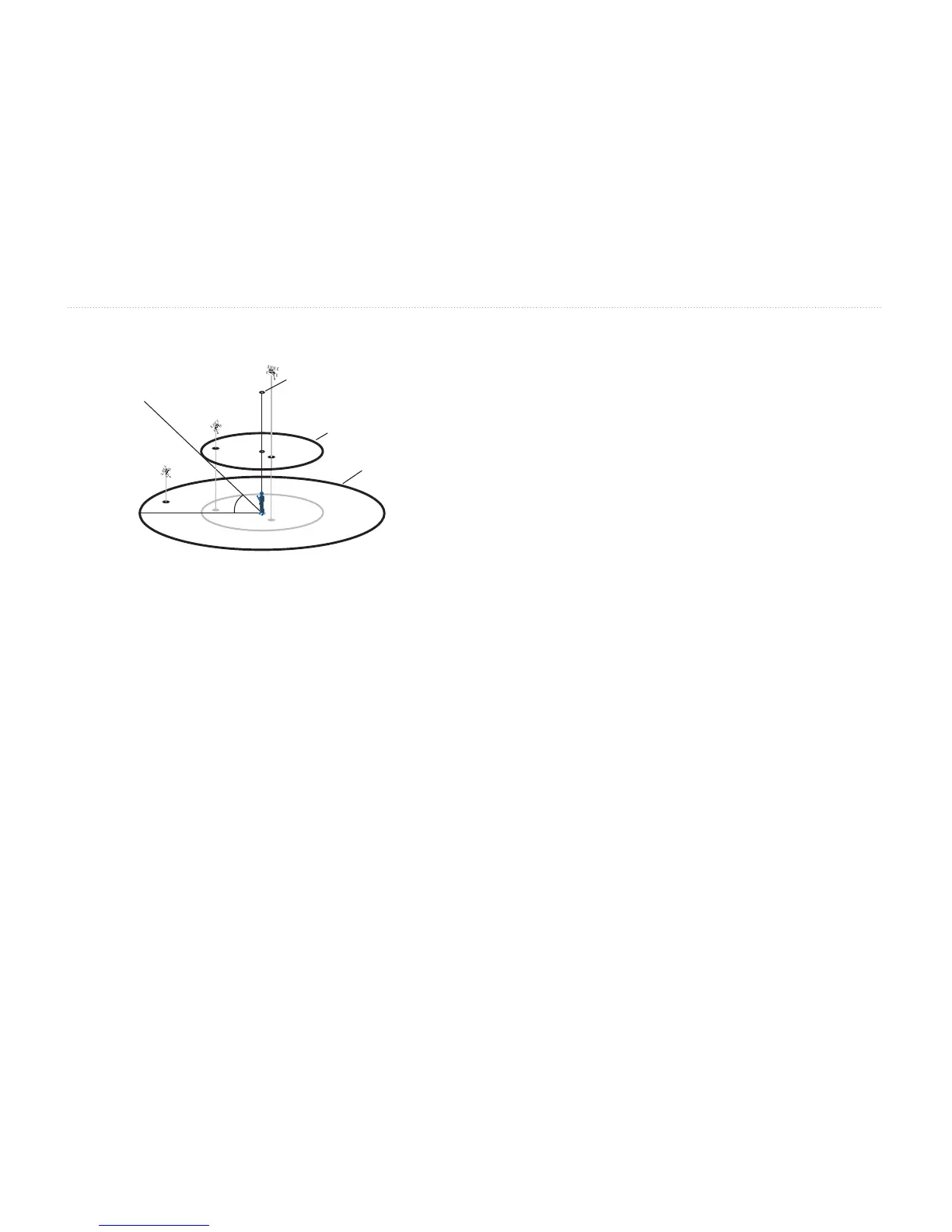
Satellite Location
The location of each available satellite is displayed
over two location rings on the Satellite Information
page. The outer ring represents the horizon, the inner
ring represents 45° above the horizon, and the center
represents directly overhead. When the unit is using a
satellite for navigation, the satellite number becomes
highlighted on the location rings. The unit can be set
to display satellite location with North or your current
track toward the top of the display.
Satellite Strength Indicator Bars
The Satellite Strength Indicator Bars not only show the
strength of the signal being received, they also show
the status of the signal. The bars are either shaded with
a light gray or lled with solid black. The gray bar
represents the GPS is in the process of storing orbital
data it is receiving from the satellite signal. When the
bar turns solid black, the GPS is using the satellite
signal for navigation. A “D” in or above the bar means
that differential corrections (WAAS or DGPS) are
being applied to that satellite.
Date, Time, and Current Location
The GPS gets date and time information from the
satellites on-board atomic clock. When the GPS
receiver has achieved a 2D or 3D GPS Location, the
current location is displayed in the selected
Location Format.














 To Next Page