GPSMAP 76 Owner’s Manual 19
bAsIc operAtIon > creAtInG A neW route
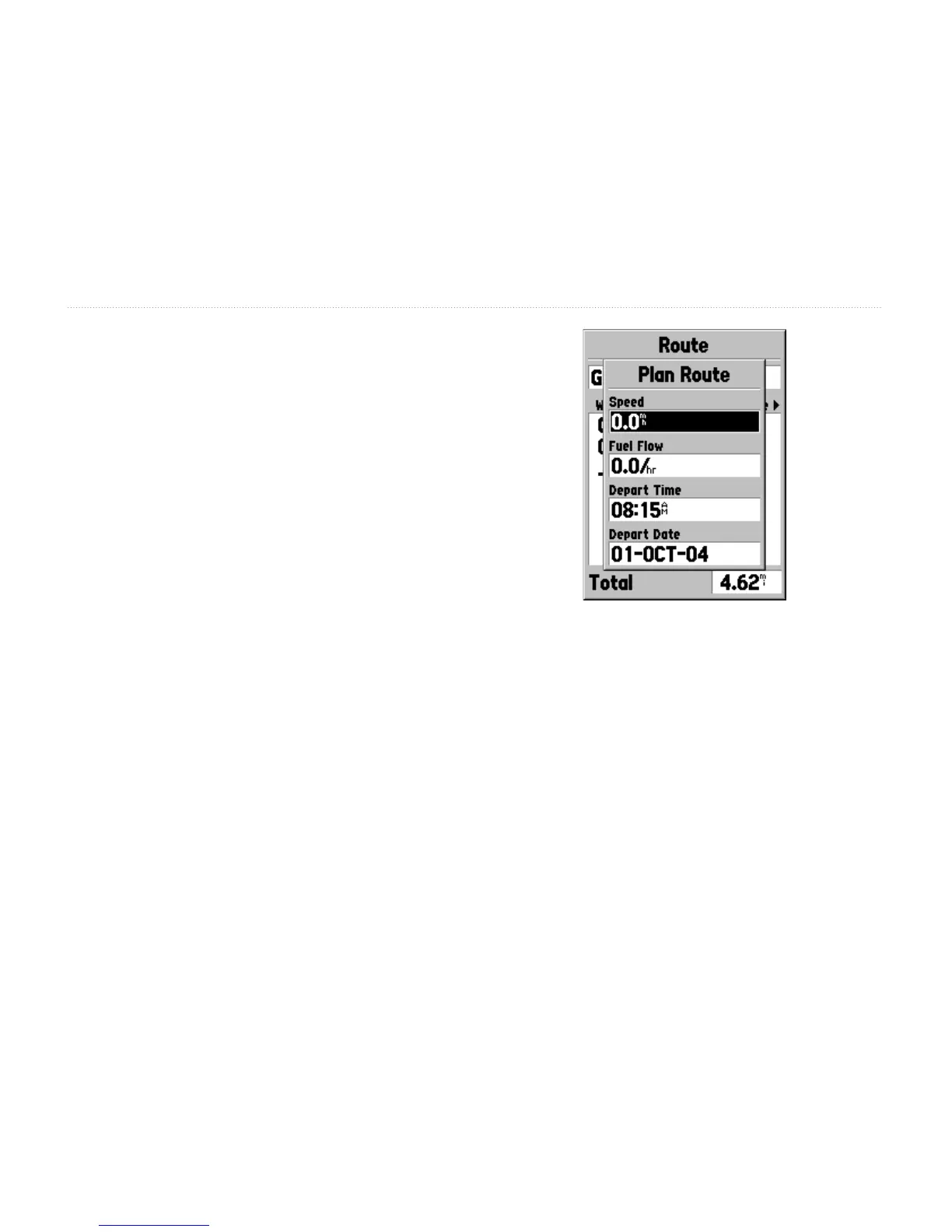
Plan Route—plans a route with a Speed, Fuel Flow,
Depart Time, and Depart Date. Fuel Flow is measured
in “units per hour.” Please consult your vehicle’s
Owner’s Manual for performance specications.
The Active Route page and Route page display trip-
planning information for each leg or the entire route.
Available information includes Course, ETA, Fuel to
point, Leg Fuel, Leg Time, Sunrise & Sunset at point
location, Time to Point, and Leg Distance. To show
a specic eld, with the Active Route or Route page
displayed, press the ROCKER key right or left to
cycle through the elds.
Delete Route—removes the selected route from the
Routes page.
Plan Route Option














 To Next Page