4 Garmin Mobile
™
XT Owner’s Manual
GettinG Started
Following the Route
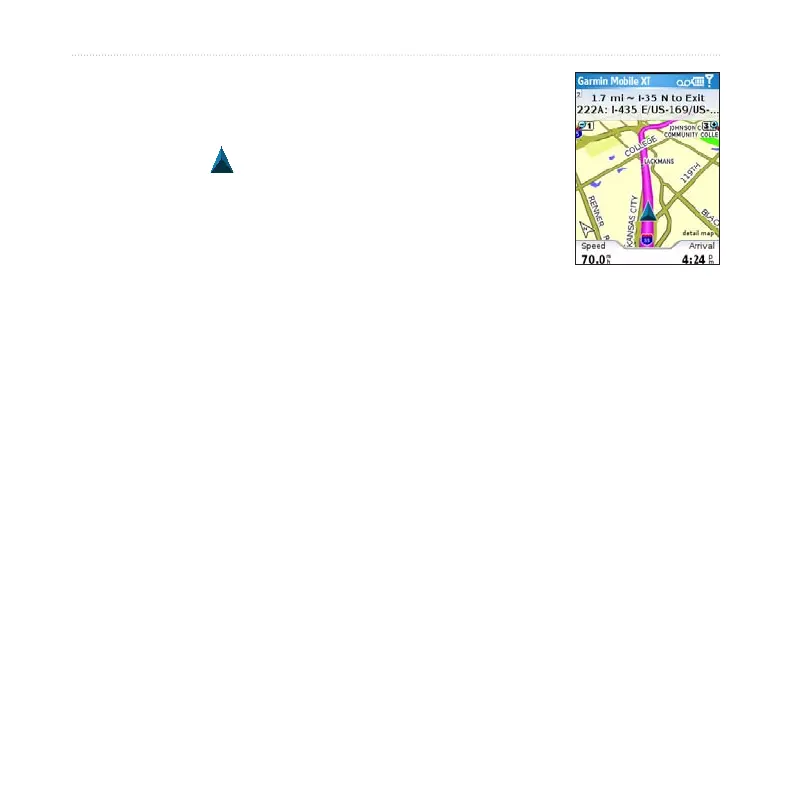
After you nd a location, select Go to create a route to it. The
map automatically opens with your route indicated with a
magenta line. The position icon shows your position on the
map. Directions appear at the top of the page. Your current speed
and estimated arrival time appear at the bottom of the page.
If you leave the map and want to return, select View map on the
main Garmin Mobile XT page. Select Stop on the main Garmin
Mobile XT page to stop the active route.
Note: By default, trafc is avoided when routes are generated. To change this and
other routing settings, select (Menu >) Settings > Routing. See page 40.
You can select (Menu >) Tools > Browse Map to show a different view of the map.



 To Next Page