10 Garmin Mobile
™
XT Owner’s Manual
Where to?
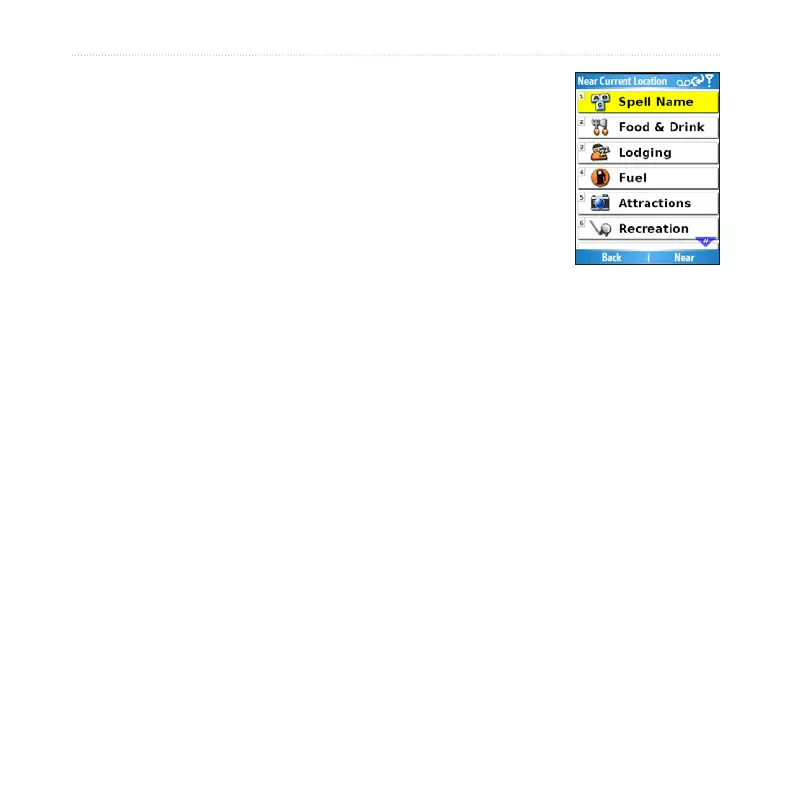
Finding Points of Interest
From the main Garmin Mobile XT page, select Where to
> Food, Hotels.
Select a category and a sub-category, if necessary.
(Select the arrows to see more categories.)
Select a point of interest.
Select Go to create a route to this location or select
another option. See page 5 for more information.
Finding a Point of Interest by Spelling the Name
If you know the name of the location you are looking for, you can spell it using the
on-screen keyboard. You can also enter letters contained in the name to narrow the
search.
From the main Garmin Mobile XT page, select Where to > Food, Hotels.
Select Spell Name.
Using the on-screen keyboard, enter letters in the name. Select Done.
Select the point of interest you are looking for.
Select Go to create a route to this location or select another option. See page
5 for more information.
1.
2.
3.
4.
1.
2.
3.
4.
5.



 To Next Page