Garmin Mobile
™
XT Owner’s Manual 23
routinG
Editing a Saved Route
After you have saved a route, you can edit that route as needed.
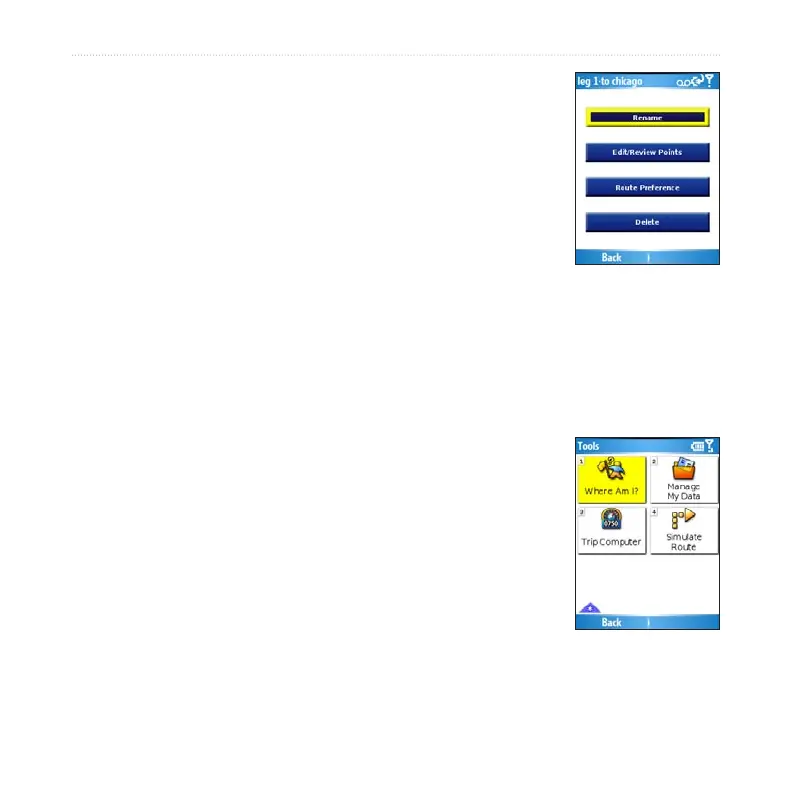
Select (Menu >) Tools > Manage My Data > Routes.
Select View Routes.
Select a route and select Edit.
Select an option:
Rename–renames the route.
Edit/Review Points–adds, deletes, or rearranges the points in the route.
Route Preference–sets Faster Time or Shorter Distance as the route
calculation preference.
Delete–deletes the route.
Simulating a Route
If the GPS is off, you can simulate driving a route. Garmin
Mobile XT shows your vehicle traveling along the roads in the
route and simulates each turn and voice prompt.
Follow the steps for creating a route.
With the GPS off (see page 44), select (Menu >) Tools >
Simulate Route.
1.
2.
3.
4.
•
•
•
•
1.
2.



 To Next Page