Garmin Mobile
™
XT Owner’s Manual 3
GettinG Started
Finding a Destination
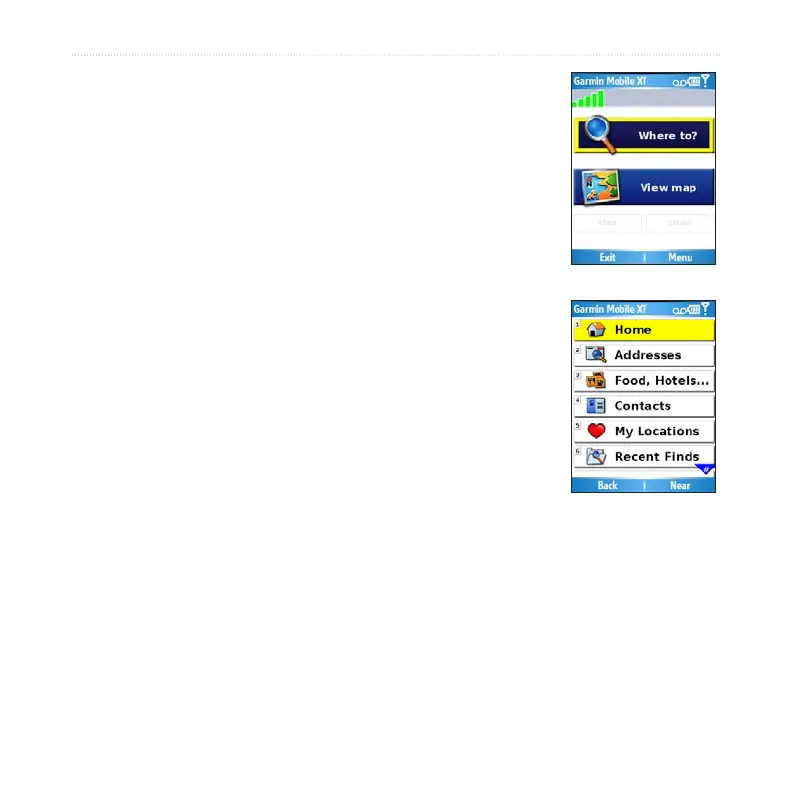
The Where to menu provides several categories and sub-
categories to help you nd destinations. You can enter addresses,
look up locations you recently found, and view locations you
have saved.
From the main Garmin Mobile XT page, select Where to
> Food, Hotels.
Select a category. To nd a location by name, select
Spell Name, enter all or part of the name, and then
select the location you want.
Select a sub-category or select All Categories. A list of
locations near your current location appears.
Select the location to open the location’s information
page.
Select Go to create a route to this location.
1.
2.
3.
4.
5.



 To Next Page