Garmin Mobile
™
XT Owner’s Manual 43
SettinGS
Proximity Points Settings
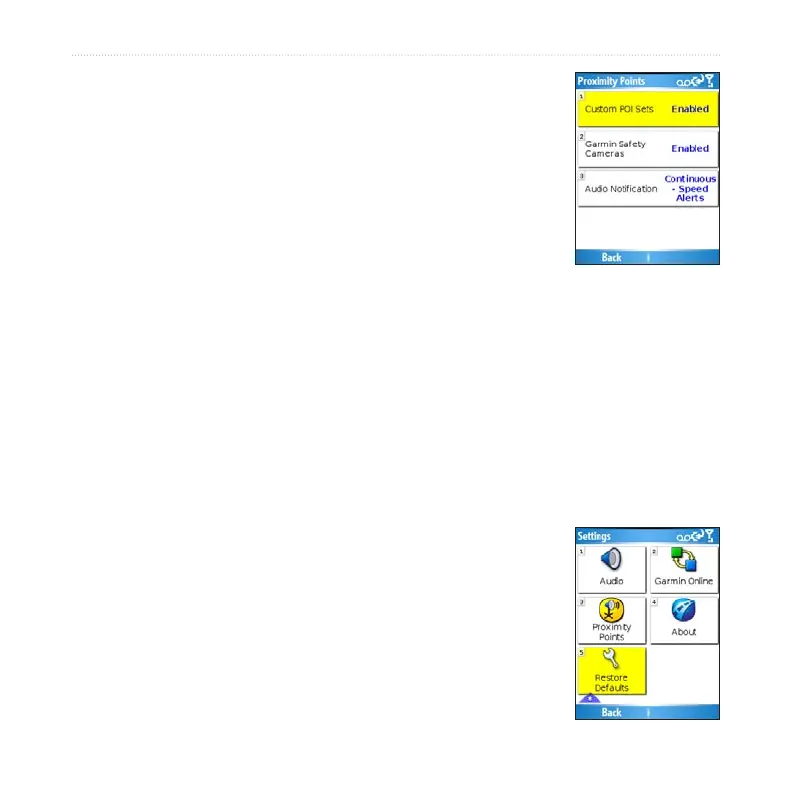
Proximity points settings allow you to enable proximity alerts
as well as adjust speed alert tones and proximity alert tones for
Custom POI sets and safety cameras. To change proximity point
settings, select (Menu >) Settings > Proximity Points.
Custom POI Sets—enable/disable the custom POI (points of
interest) sets you have loaded in Garmin Mobile XT.
Garmin Safety Cameras— enable/disable the Safety Camera
databases you have loaded in Garmin Mobile XT.
Audio Notication—select how you want to be audibly notied when you approach a
custom POI or a safety camera location.
About
The About page contains information about Garmin Mobile XT, including software
version, unit ID, and copyright information. Select (Menu >) Settings > About to
access the About page.
Restore Defaults
You can restore all your Garmin Mobile XT settings to the
factory defaults by selecting (Menu >) Settings > Restore
Defaults. Any changes you have made to the settings are lost
when you restore defaults.



 To Next Page