Garmin Mobile
™
XT Owner’s Manual 7
Where to?
Finding Places Near Other Places
By default, Garmin Mobile XT nds places near your current location. You can also
use Garmin Mobile XT to nd places near your current road or route, your route
destination, or a location you select.
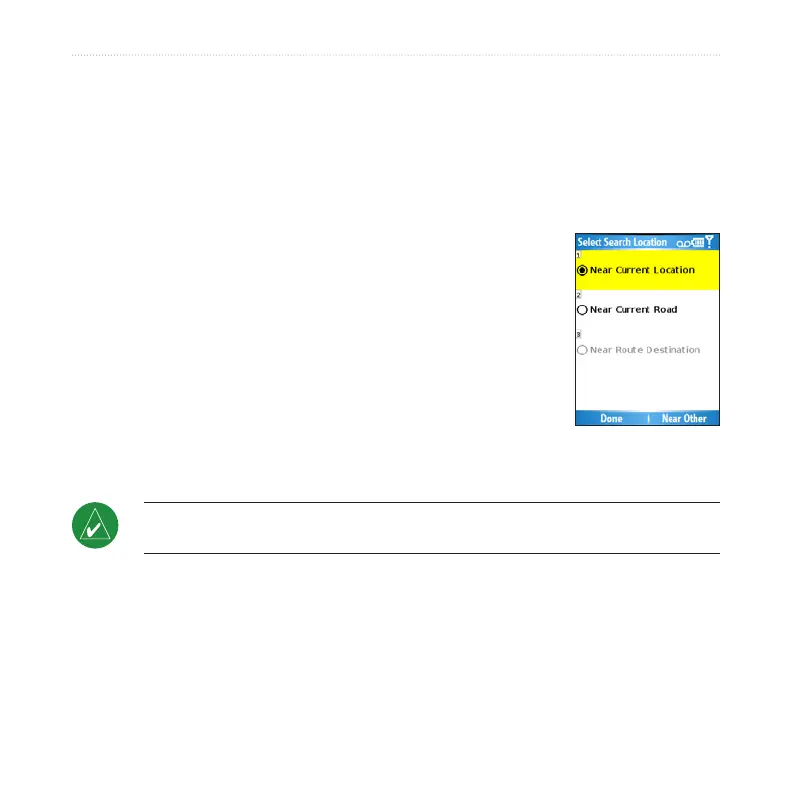
From the main Garmin Mobile XT page, select Where to > Near.
Select an option:
Near Current Location—searches for places near
your current location.
Near Current Route—searches for places along the
route you are currently navigating.
Near Route Destination—searches for places near
your current route destination.
Near Other—searches for places near the city you
enter or near the map item you select.
Select Done.
NOTE: Garmin Mobile XT automatically searches for places near your current
location.
1.
2.
•
•
•
•
3.



 To Next Page