32 Garmin Mobile
™
XT Owner’s Manual
contactS
contactS
Assigning a Location to a Contact
Select Where to > Contacts.
Select a contact in the list, then select Go.
If the contact does not have a GPS location set, Garmin
Mobile XT asks if you want to assign a GPS location.
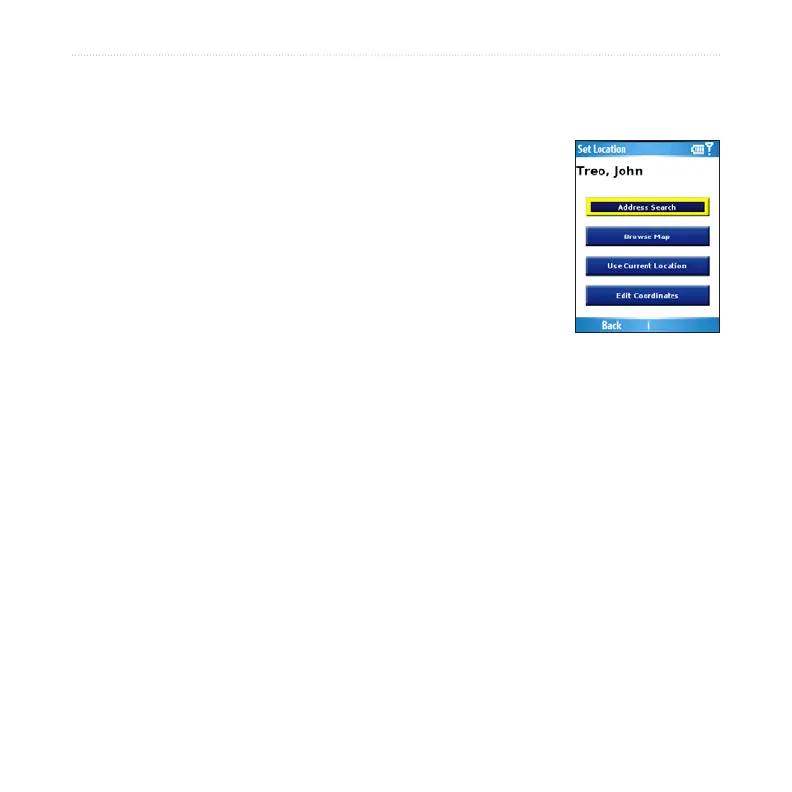
Select Yes.
Select a method to set a GPS location for this contact.
Editing Contacts
Select (Menu >) Tools > Manage My Data > Contacts.
Select a contact, then select (Menu >) and select an option:
Change Location—give this contact a new location using the address
search, the map, your current location, or by entering the coordinates.
Change Categories—assign this location to a category, such as Business.
Change Symbol—change the symbol used on the map to show this
location.
1.
2.
3.
4.
1.
2.
•
•
•



 To Next Page