8 Garmin Mobile
™
XT Owner’s Manual
Where to?
Going Home
You can set a home location for the place you return to most often.
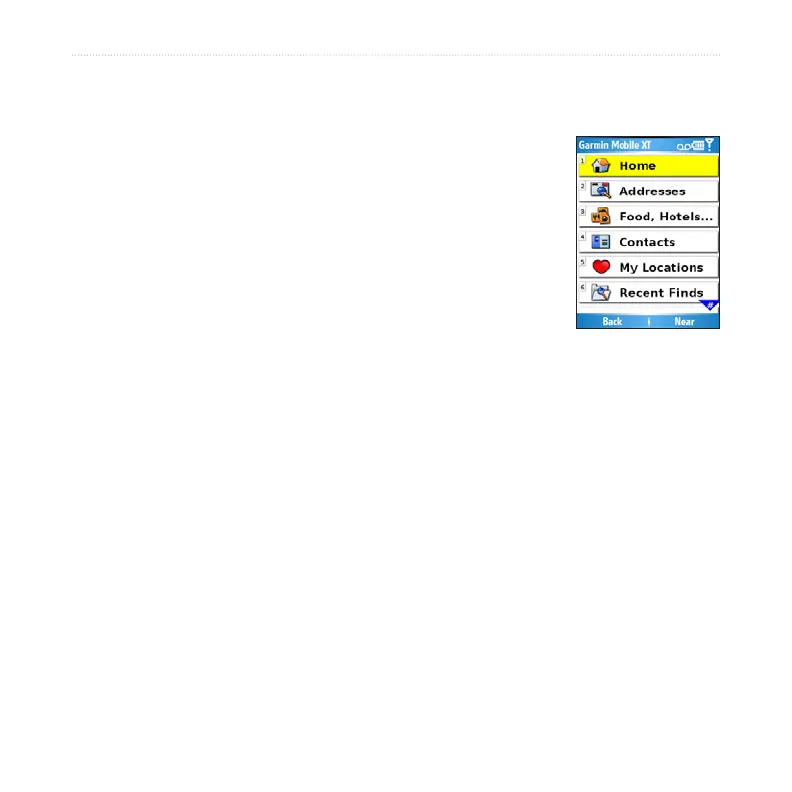
From the main Garmin Mobile XT page, select
Where to > Home.
Select an option to set your home location.
After you have saved your home location, you can create
a route to it by selecting Where to > Home.
Changing Your Home Location
To change your home location, you must rst delete it:
From the main Garmin Mobile XT page, select (Menu >) Tools >
Manage My Data > My Locations.
Select Home > Delete > Yes.
After you delete your home location, reset it by following the steps above.
1.
2.
1.
2.



 To Next Page