Garmin Mobile
™
XT Owner’s Manual 1
GettinG Started
GettinG Started
Acquiring GPS Signals
Before you can navigate to a destination, the GPS receiver must acquire satellite
(GPS) signals.
Turn on your Garmin GPS receiver.
Make sure the GPS receiver is connected to your
mobile phone using Bluetooth
®
wireless technology. (For
frequently asked questions about Bluetooth wireless
technology, see www.garmin.com/support/faqs. Enter
“Bluetooth” and click Search.)
Open the Garmin Mobile XT application.
Go to an open area, out of parking garages, and away from tall buildings.
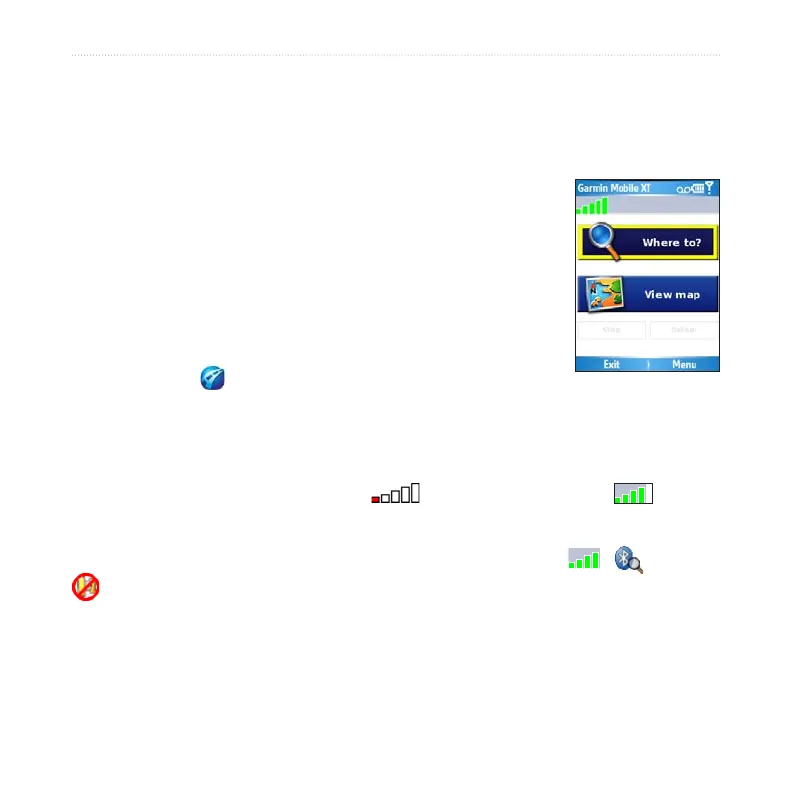
Acquiring satellite signals may take a few minutes. The bars in the upper-left corner
indicate satellite strength. While the GPS receiver is acquiring satellite signals or if it
loses signals, the bars are red or hollow . When the bars are green , your
GPS has acquired satellite signals; you can nd your destination and go to it.
To view information about the GPS receiver, select the GPS icon ( , , or
). You can also select (Menu >) Settings > System > Remote GPS. For more
information about the Remote GPS page, see page 44. For more information about
GPS, visit www.garmin.com/aboutGPS.
Note: If you are prompted to enter an unlock code for maps, enter the unlock code
listed on the included yellow sheet.
1.
2.
3.
4.



 To Next Page