22 Garmin Mobile
™
XT Owner’s Manual
routinG
Saving a Route
You can save the route you are currently navigating and use it
again later.
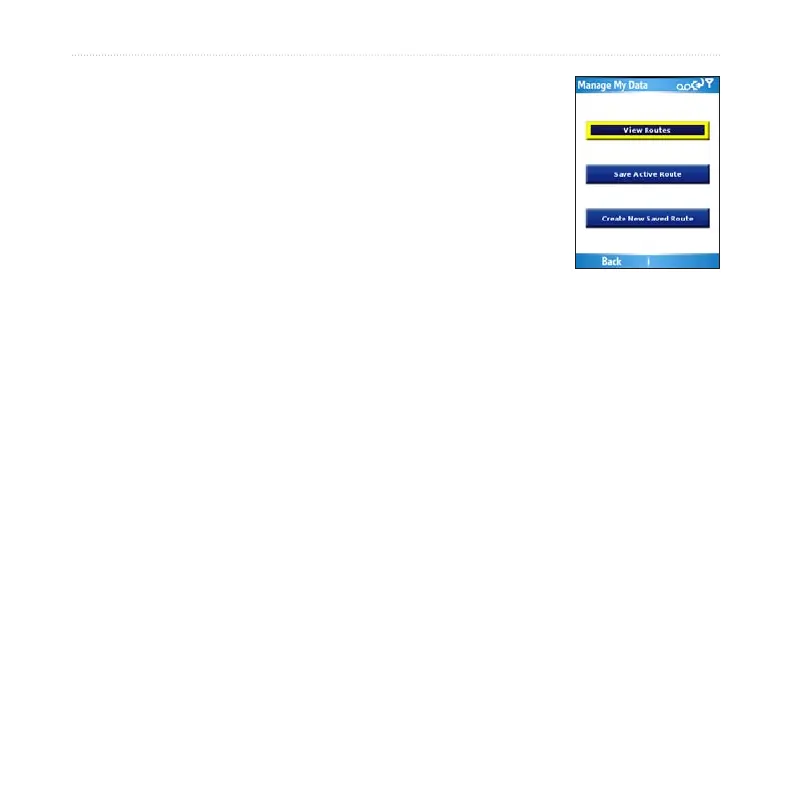
Select (Menu >) Tools > Manage My Data > Routes.
Select Save Active Route > OK.
Planning a Route
You can plan, create, and automatically save a complex route.
Select (Menu >) Tools > Manage My Data > Routes.
Select Create New Saved Route.
Select your starting point.
Select your ending point.
Select intermediate (via) points as necessary, or select None.
Select your route calculation preference.
Select Go to save the route and start navigating it, or select Save to save the
route for future use.
Navigating a Saved Route
Select (Menu >) Tools > Manage My Data > Routes.
Select View Routes.
Select the route you want to navigate.
Select Go.
1.
2.
1.
2.
3.
4.
5.
6.
7.
1.
2.
3.
4.



 To Next Page