Garmin Mobile
™
XT Owner’s Manual 19
routinG
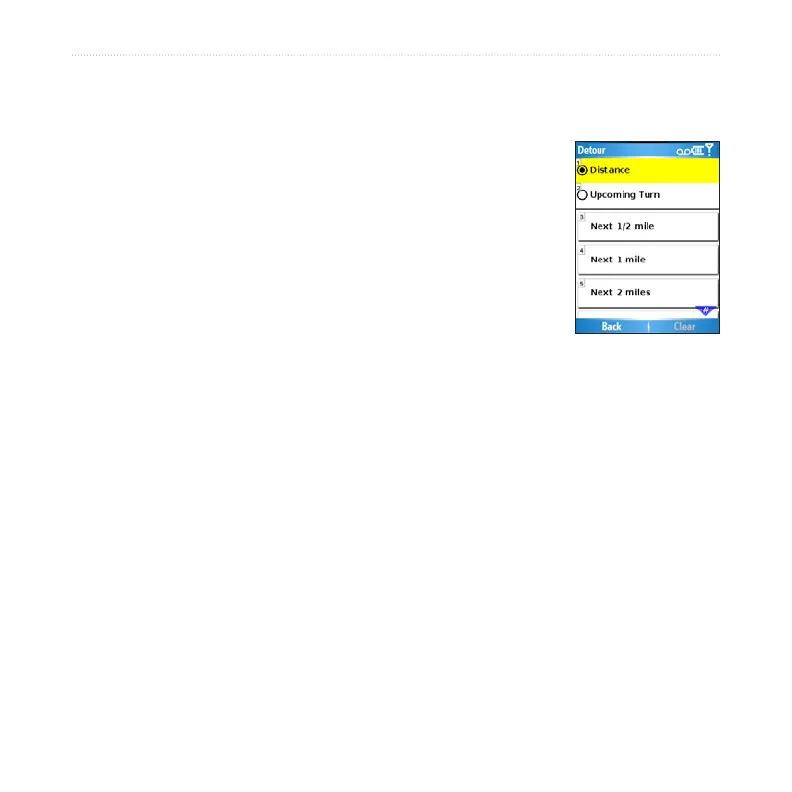
Adding a Detour to Your Route
While navigating a route, you can use detours to avoid obstacles such as trafc jams
or construction zones.
With a route active, select Detour from the main Garmin
Mobile XT page.
Select Distance or Upcoming Turn.
If you selected Distance, select how much of your current
route you want to avoid. If you select Upcoming Turn,
select the turn you want to avoid.
Select Yes. Garmin Mobile XT recalculates the route to
include the detour.
Stopping Your Route
With a route active, select Stop from the main Garmin Mobile XT page.
Adding Stops to a Route
Via points are additional points or stops that you add to a route. They can be
addresses, points of interest, or any other location on the map.
You can add vias to a route using the Where to menu. Find a location and then select
Menu or Options > Add as via to current route.
You can also add vias to a route using the Route Details page. See page 20 for
instructions.
1.
2.
3.
4.



 To Next Page