42 Garmin Mobile
™
XT Owner’s Manual
SettinGS
Audio Settings
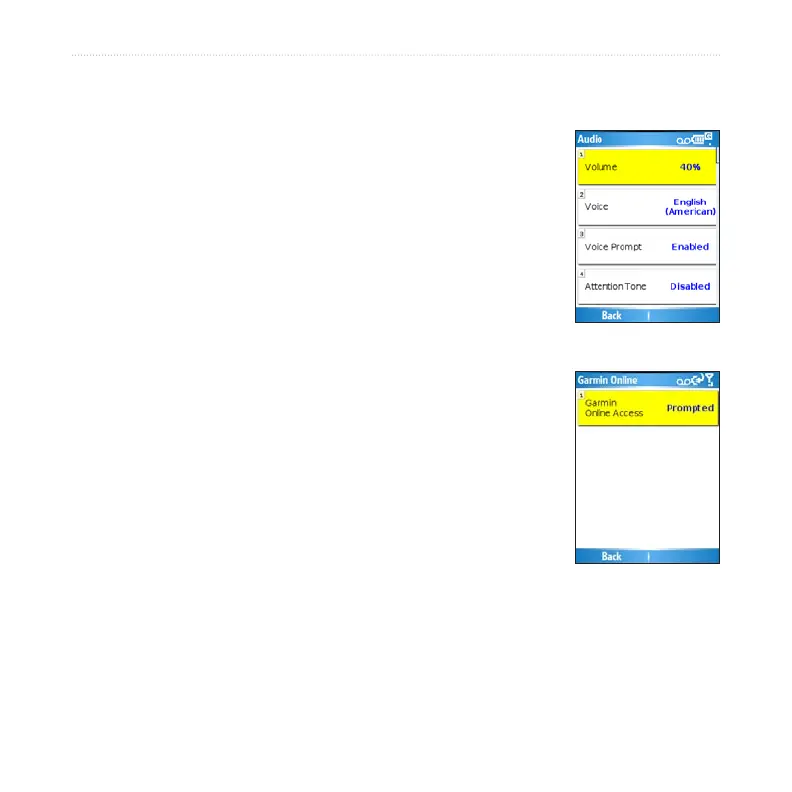
Audio settings allow you to customize the volume, voice, and attention tone. To
change audio settings, select (Menu >) Settings > Audio.
Volume—select the volume level.
Voice—select a language, if you have multiple voice languages
loaded on your device.
Voice Prompt—enable/disable the vocal navigation prompts.
Attention Tone—enable/disable the tone that is sounded before
a navigation prompt.
Garmin Online Settings
Garmin Online settings allow you to change the way your phone
accesses Garmin Online. To change Garmin Online settings,
select (Menu >) Settings > Garmin Online.
Garmin Online Access—select Always to connect to Garmin
Online automatically. Select Prompted to be asked each time
Garmin Mobile XT connects to Garmin Online. Select Disabled
to prevent Garmin Mobile XT from connecting to Garmin Online.



 To Next Page