Garmin Mobile
™
XT Owner’s Manual 21
routinG
Avoiding Roads
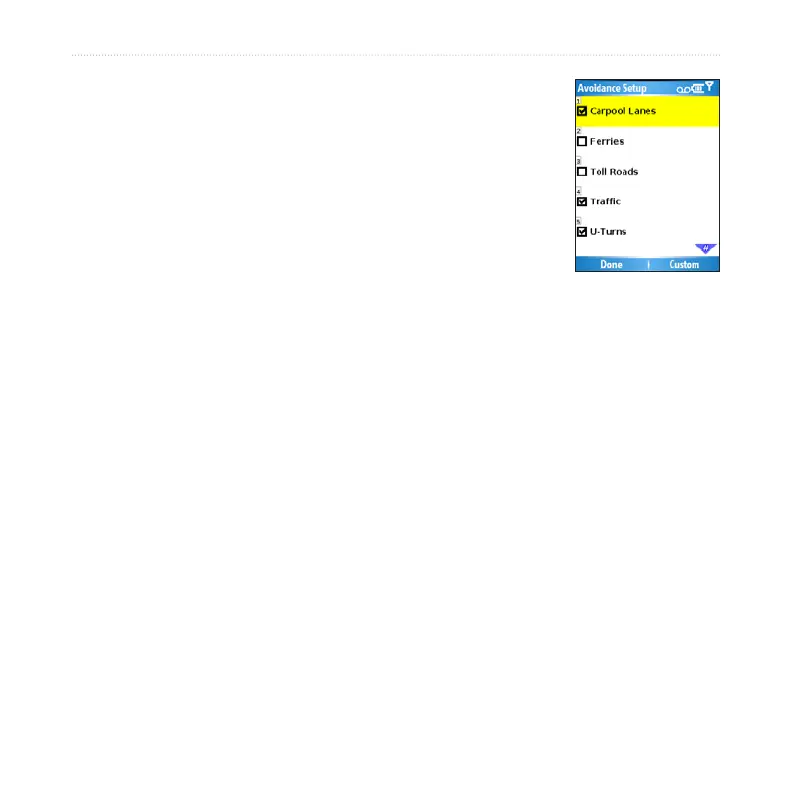
Select (Menu >) Settings > Routing > Avoidance Setup
> Custom > Add New Road.
Select the starting point of the road you want to avoid,
then select Next. A push pin appears on the map.
Select the ending point of the road you want to avoid,
then select Next.
Select OK to save the avoidance.
Avoiding Areas
Select (Menu >) Settings > Routing > Avoidance Setup > Custom > Add
New Area.
Select a corner of the area you want to avoid, then select Next.
Select the opposite corner of the area you want to avoid. A shaded box
appears. Select Next.
Select OK to save the avoidance.
View and Edit Avoidances
Select (Menu >) Settings > Routing > Avoidance Setup.
Select Custom > View List.
Select the avoidance you want to edit.
Select Rename to rename the avoidance, Delete to delete the avoidance, or
Map to view the avoidance on a map.
To deactivate an avoidance without deleting it, select (Menu >) Settings > Routing >
Avoidance Setup, then uncheck the avoidance.
1.
2.
3.
4.
1.
2.
3.
4.
1.
2.
3.
4.



 To Next Page