34 Garmin Mobile
™
XT Owner’s Manual
toolS
toolS
The Tools menu provides access to many helpful features of the Garmin Mobile XT
application. Many of these topics are discussed in other parts of this manual:
For information about Garmin Online, see pages 24–27.
For information on PeerPoints, see pages 28–29.
For information on Route Details, see pages 18 and 20.
For information on the Trip Computer, see page 18.
For information on simulating a route, see page 23.
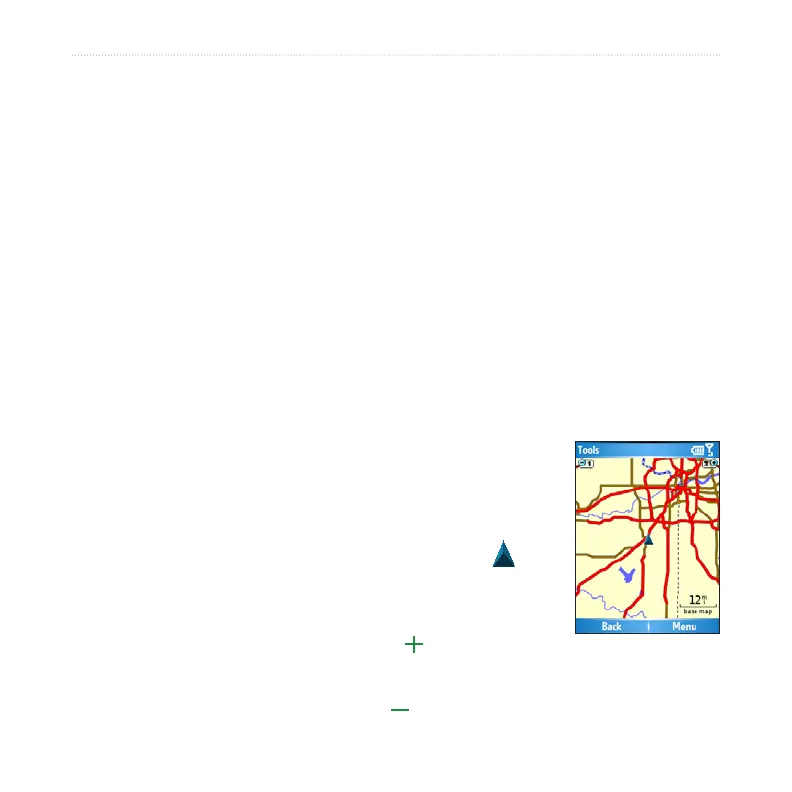
Browsing the Map
You can use the map to view places beyond your current location. To browse the map,
select (Menu >) Tools > Browse Map.
On touch screen devices, drag your nger across the screen to
move the map. On other devices, use the navigation key to move
the map.
Recenter the Map—on touch screen phones, select the
position icon to re-center the map on your location. On other
phones, select Menu > Recenter on Vehicle.
Zoom Out—on touch screen phones, select . On other phones,
press 1.
Zoom In—on touch screen phones, select . On other phones, press 3.
•
•
•
•
•



 To Next Page