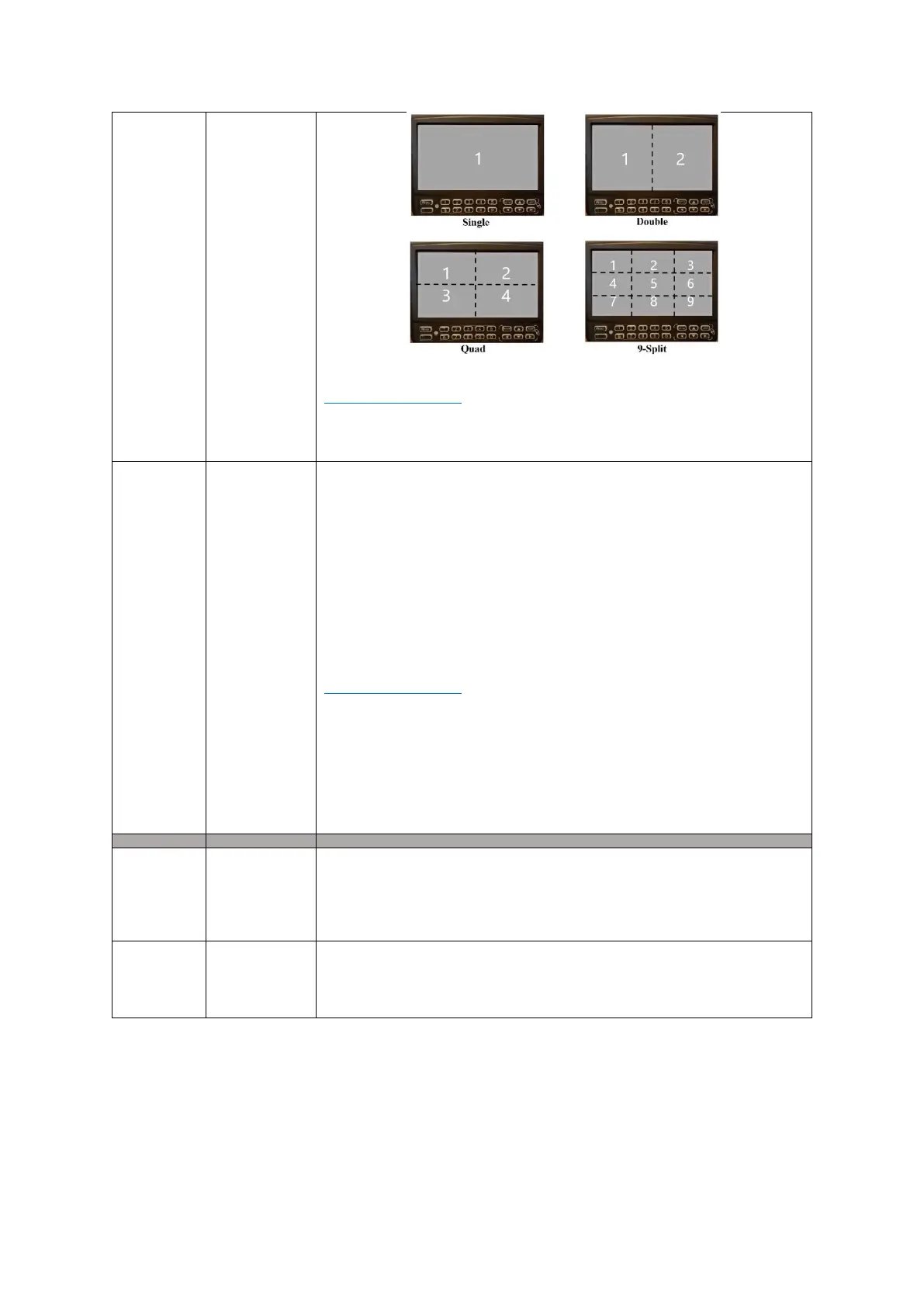
Checkboxes – allows you to select the cameras to be included as part
of the live view displayed channels.
Notes:
- You are allowed to select more display channels than there are
cameras available.
- However, the selected display channels which do not have cameras
will be displayed in the live view as a black box.
DEFAULT SETTINGS:
▪ Checkbox – Channel 1 – Selected
▪ Checkbox – Channel 2 – Selected
▪ Checkbox – Channel 3 – Selected
▪ Checkbox – Channel 4 – Selected
▪ Checkbox – Channel 5 – Unselected
This displays a list of screen layouts which have been configured in the
device. If Auto-Loop is enabled, each of the screen layouts be displayed
for the specified duration, and the display will cycle iteratively and
repeatedly through the list of screen layouts.



 To Next Page