Connecting to a cable or DSL modem or to an Ethernet network
www.gateway.com
13
Connecting to a cable or DSL modem or to an Ethernet
network
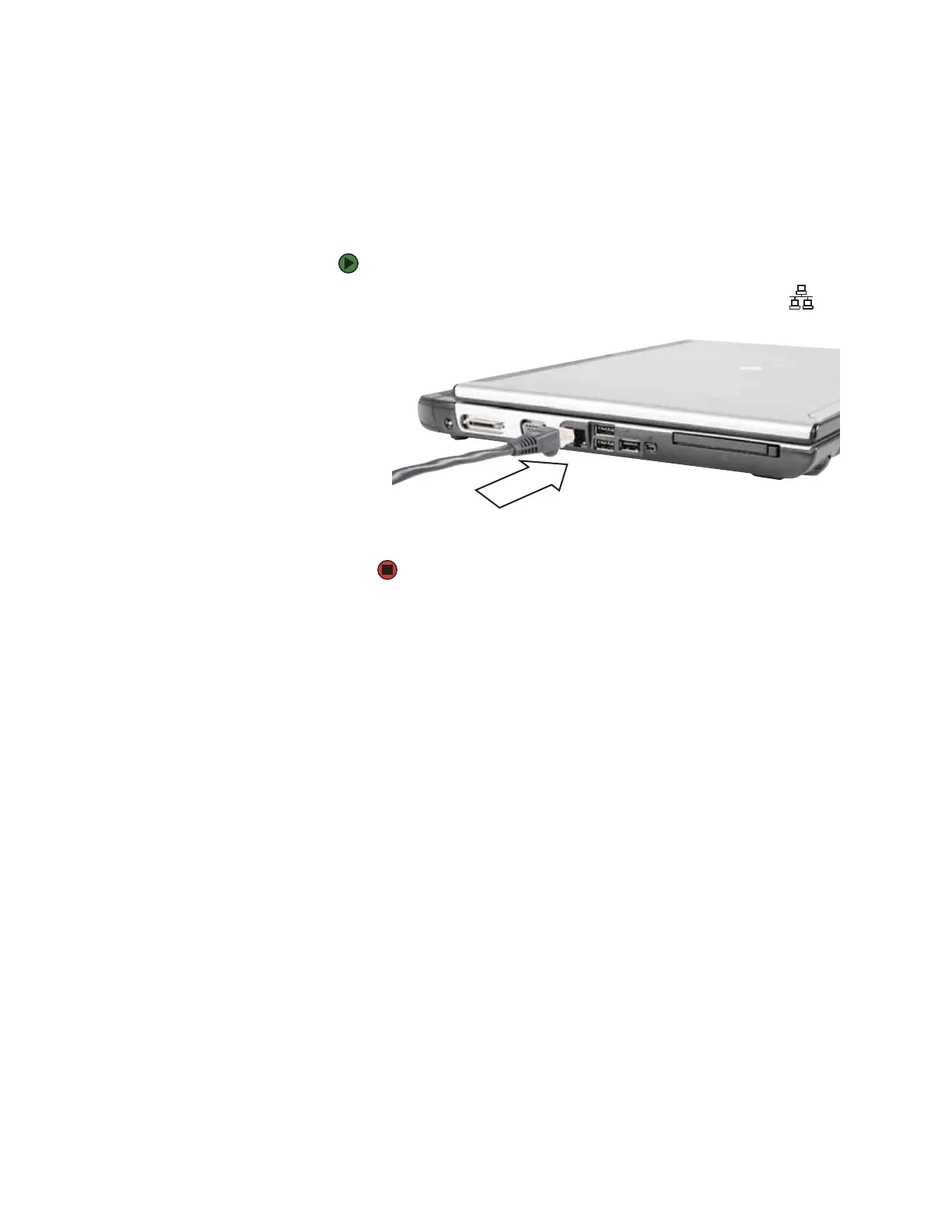
Your convertible notebook has a network jack that you can use to connect to
a cable or DSL modem or to an Ethernet network.
To connect to a cable or DSL modem or to an Ethernet network:
1 Insert one end of the network cable into the network jack on the left
side of your convertible notebook.
2 Insert the other end of the network cable into a cable modem, DSL
modem, or Ethernet network jack.













 To Next Page