Using the keyboard
www.gateway.com
19
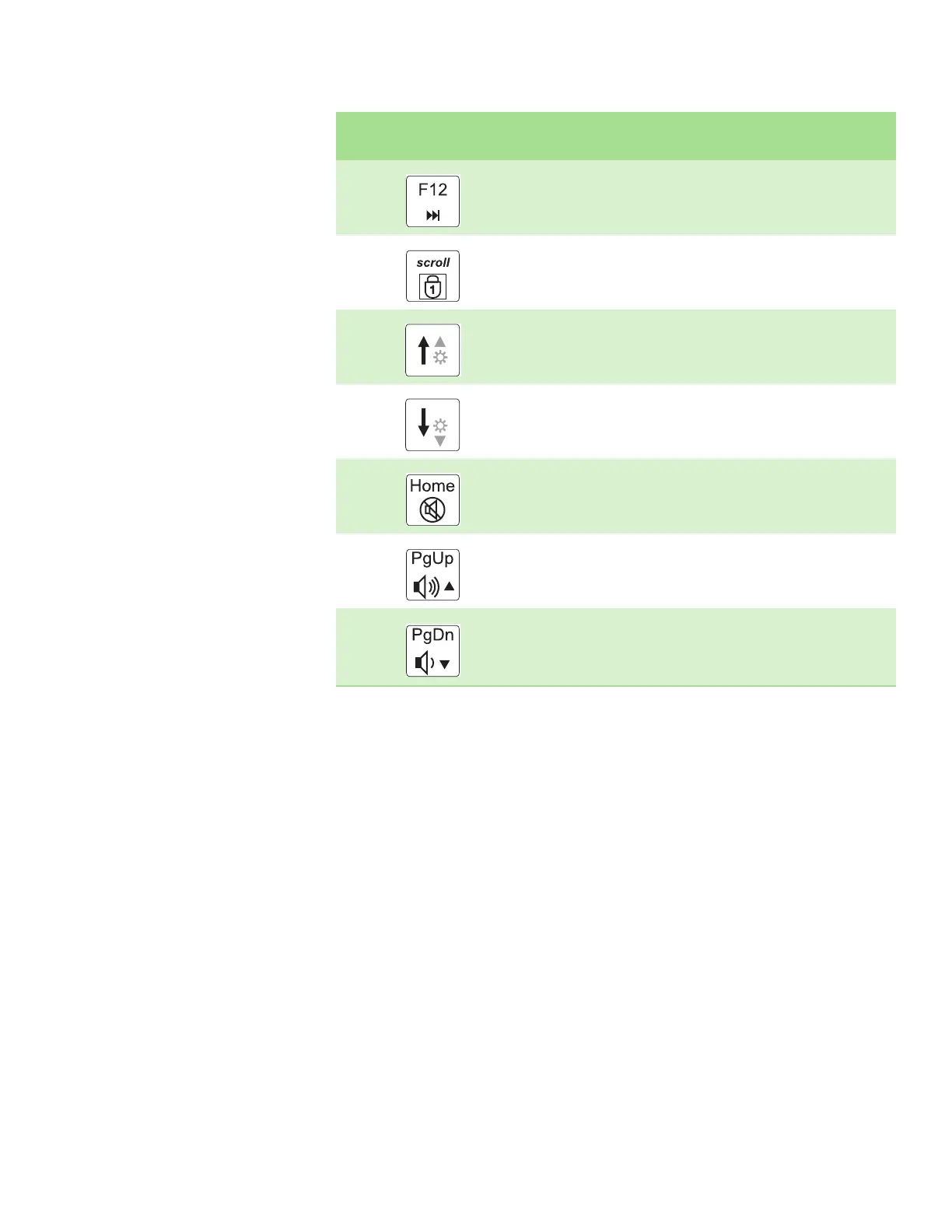
Skip ahead one CD song or DVD track.
Turn on Num Lock so you can use the numeric keypad. Press this key
combination again to turn off Num Lock. The Num Lock status indicator
appears when this function is turned on.
Increase the brightness of the display.
Decrease the brightness of the display.
Mute the sound. Press the key combination again to restore the sound.
For more information, see “Adjusting the volume” on page 27.
Increase volume. For more information, see “Adjusting the volume” on
page 27.
Decrease volume. For more information, see “Adjusting the volume” on
page 27.
Press and hold FN, then
press this system key...
To...













 To Next Page