CHAPTER 3: Maintaining and Upgrading Your Notebook www.gateway.com
44
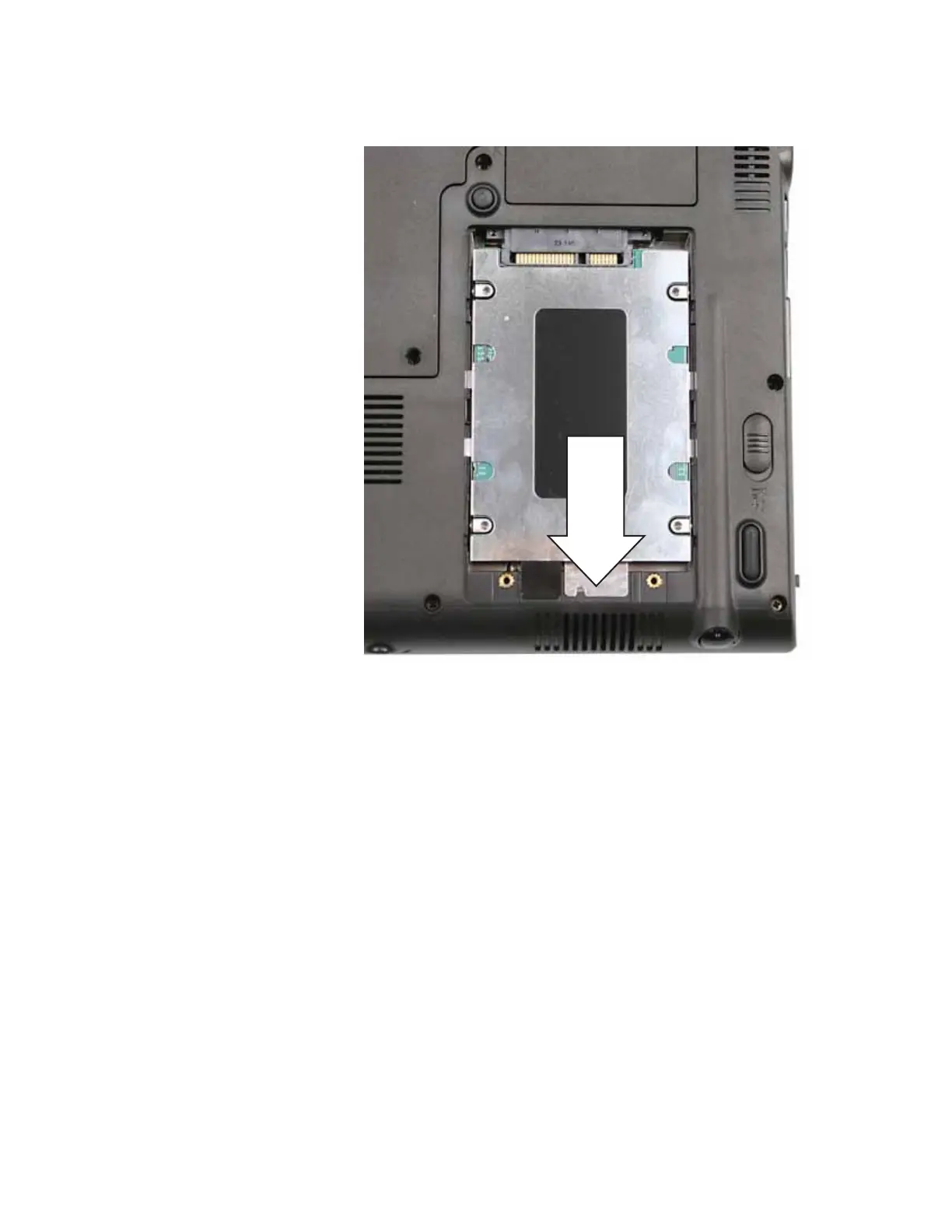
13 Slide the old hard drive kit out of the convertible notebook.
14 If your new hard drive already includes the hard drive bracket, go to
Step 19.
-OR-
If you need to move the hard drive bracket from your old hard drive to
your new hard drive, go to Step 15.













 To Next Page