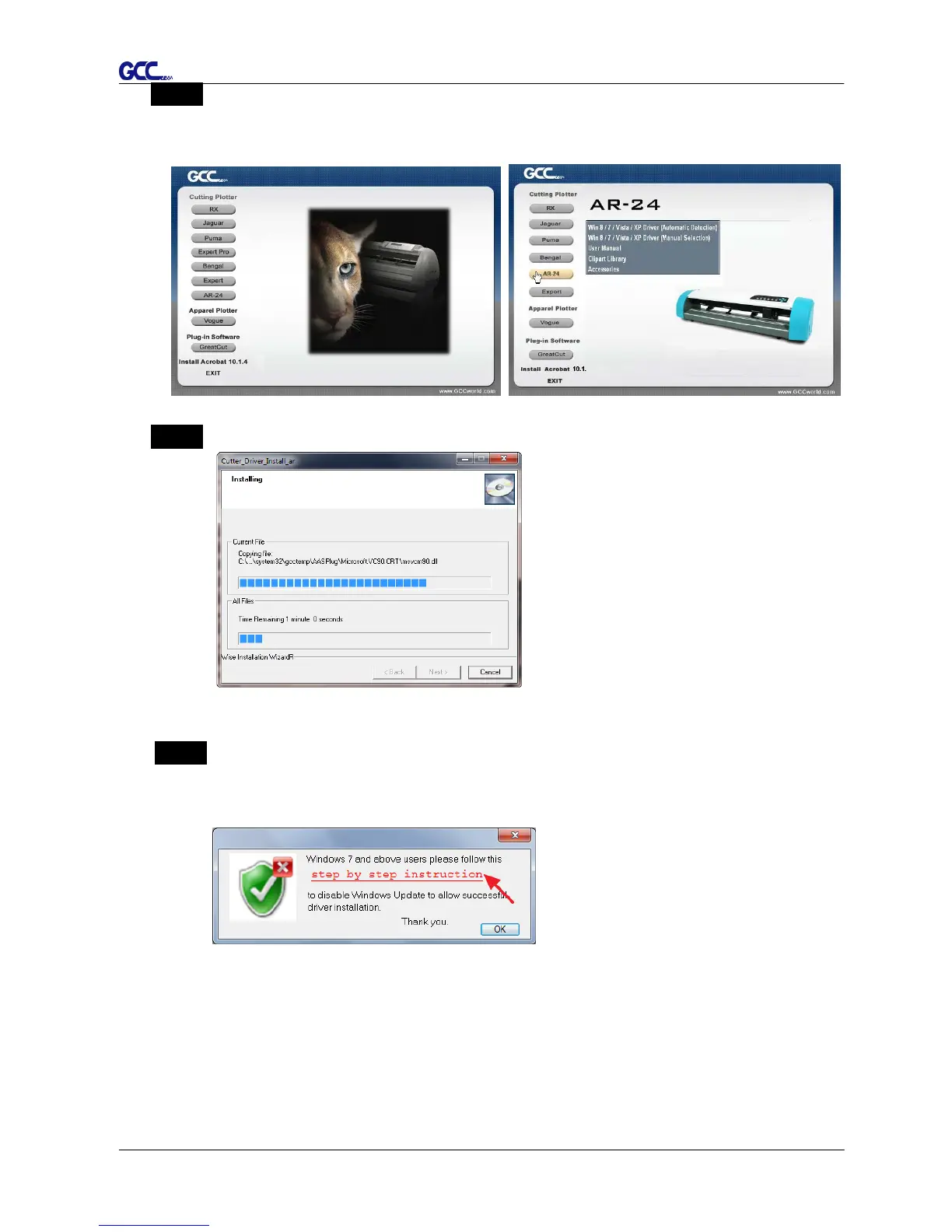
Step 2 Choose the model you want to install from the driver list and click on Windows
Driver (Win 7 and Above) (Automatic Detection) or Windows Driver (Win 7 and
Above) (Manual Selection) to start installing the Driver and AAS plug-in.
Step 3 Click “Next” to start the driver installation.
Step 4 If you were Windows 7 and above users, please click on the red words to instruct
you how to disable Windows Update to allow success driver installation. And then
click OK to next step.














 To Next Page