90
7) Go back to other pages of GCC Laser Print Driver to set up laser parameters like
speed, power, and dpi etc. (refer to Chapter V of user manual for print driver operation
details) and click “OK” to print your design to the laser machine.
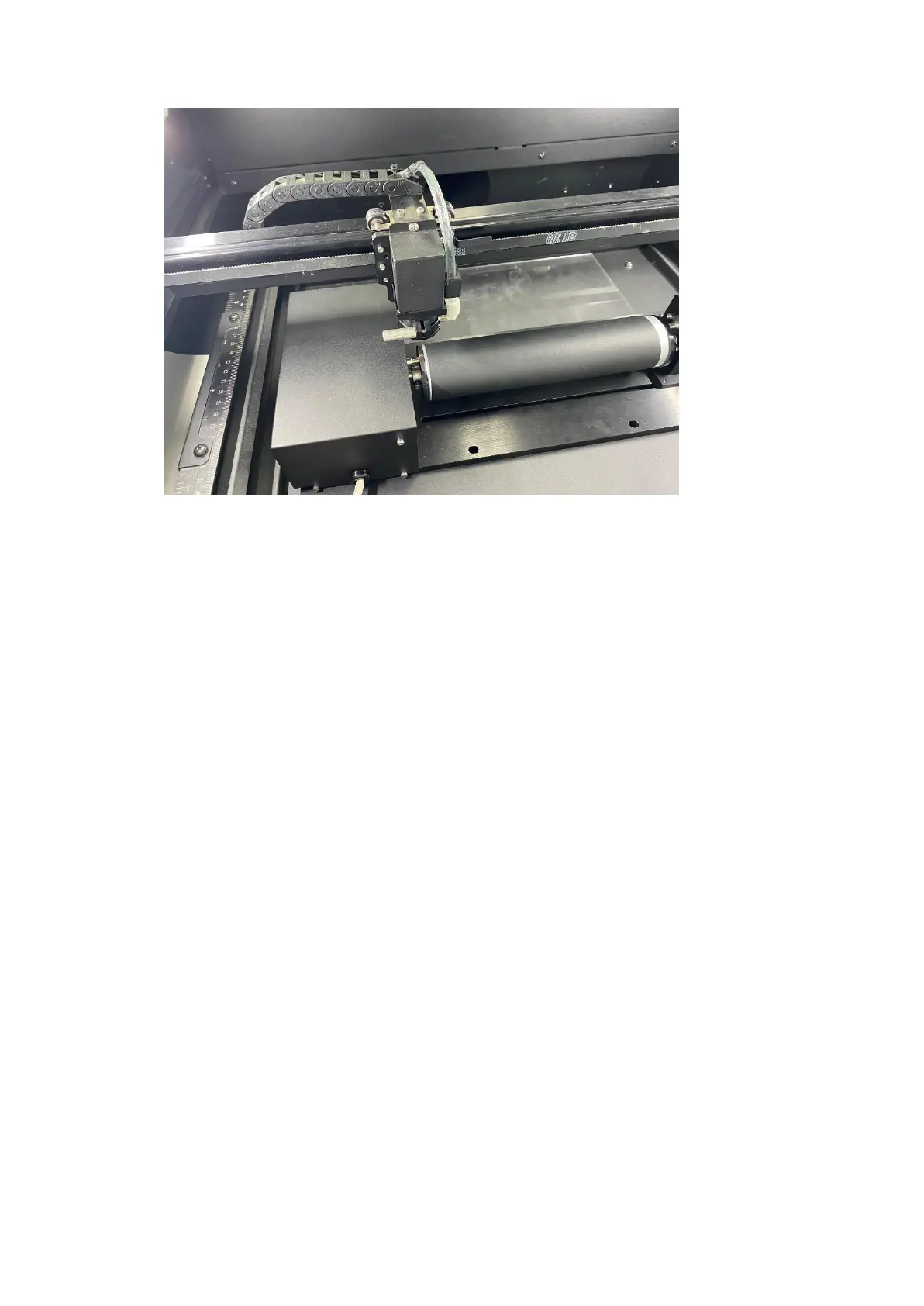
8) Despite the dummy-proof installation design, please ensure that the rotary device is
installed correctly before turning on the machine



 To Next Page