moisture.IQ User’s Manual 79
Chapter 6. Setting Up Communications
6.4.2.1 The Admin Account
The Admin account allows complete configuration of the Ethernet option. This account should be used only by
experienced network administrators. Misuse of the Admin account could prevent connection to the
moisture.IQ, enable unauthorized access to the moisture.IQ or possibly expose the network to unauthorized
users.
The default login credentials for the Admin account are:
• User name: Admin
• Password: password
IMPORTANT: It is
IMPERATIVE that the Admin password be changed as soon as possible!
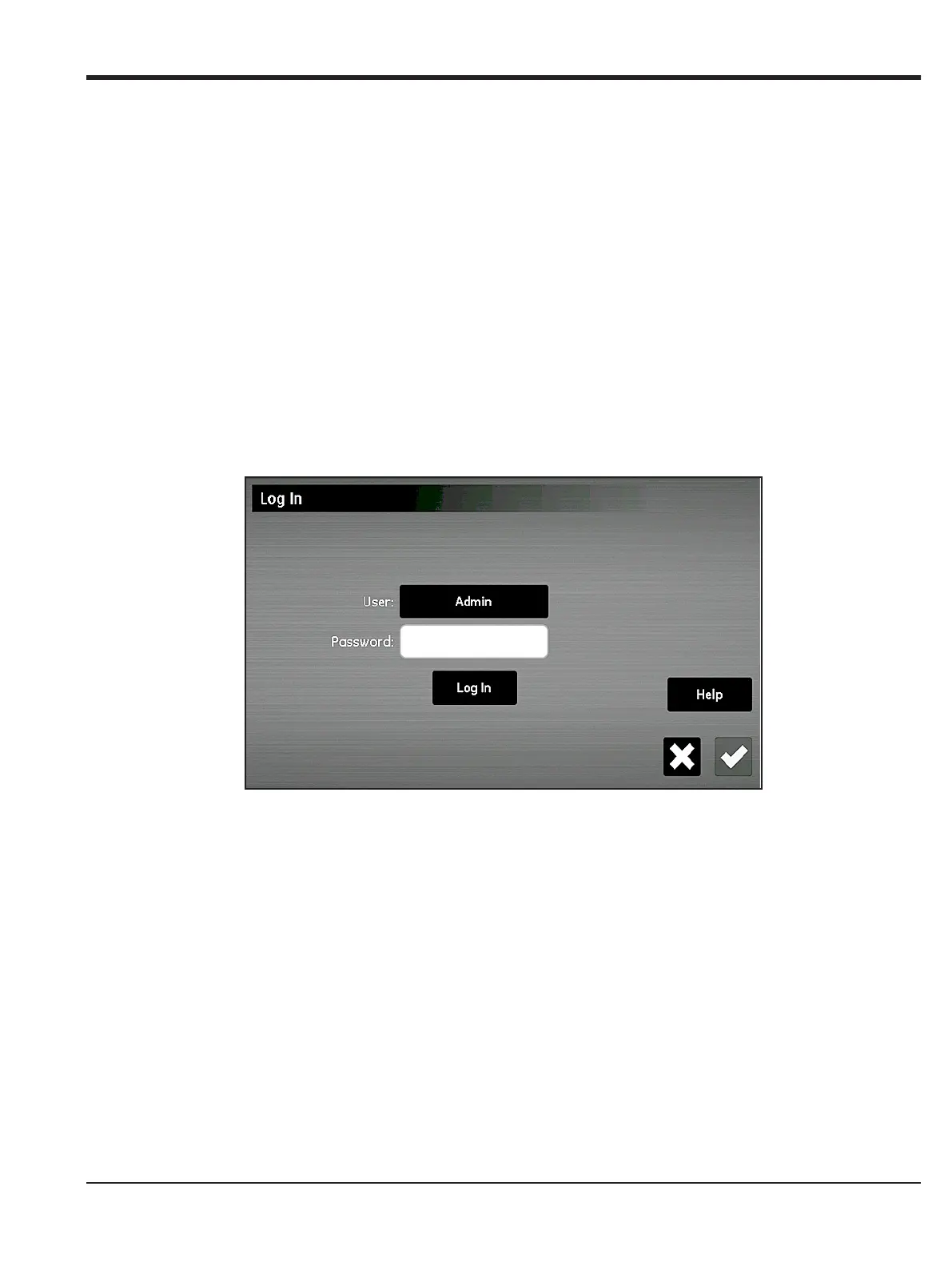
Only the Admin can add, modify, or remove the other user accounts. To log in as the Admin, select
Configuration > User Management. to open a Log In screen similar to Figure 70 below.
Figure 70: Log In Screen


 To Next Page