Chapter 6. Setting Up Communications
80 moisture.IQ User’s Manual
6.4.2.1 The Admin Account (cont.)
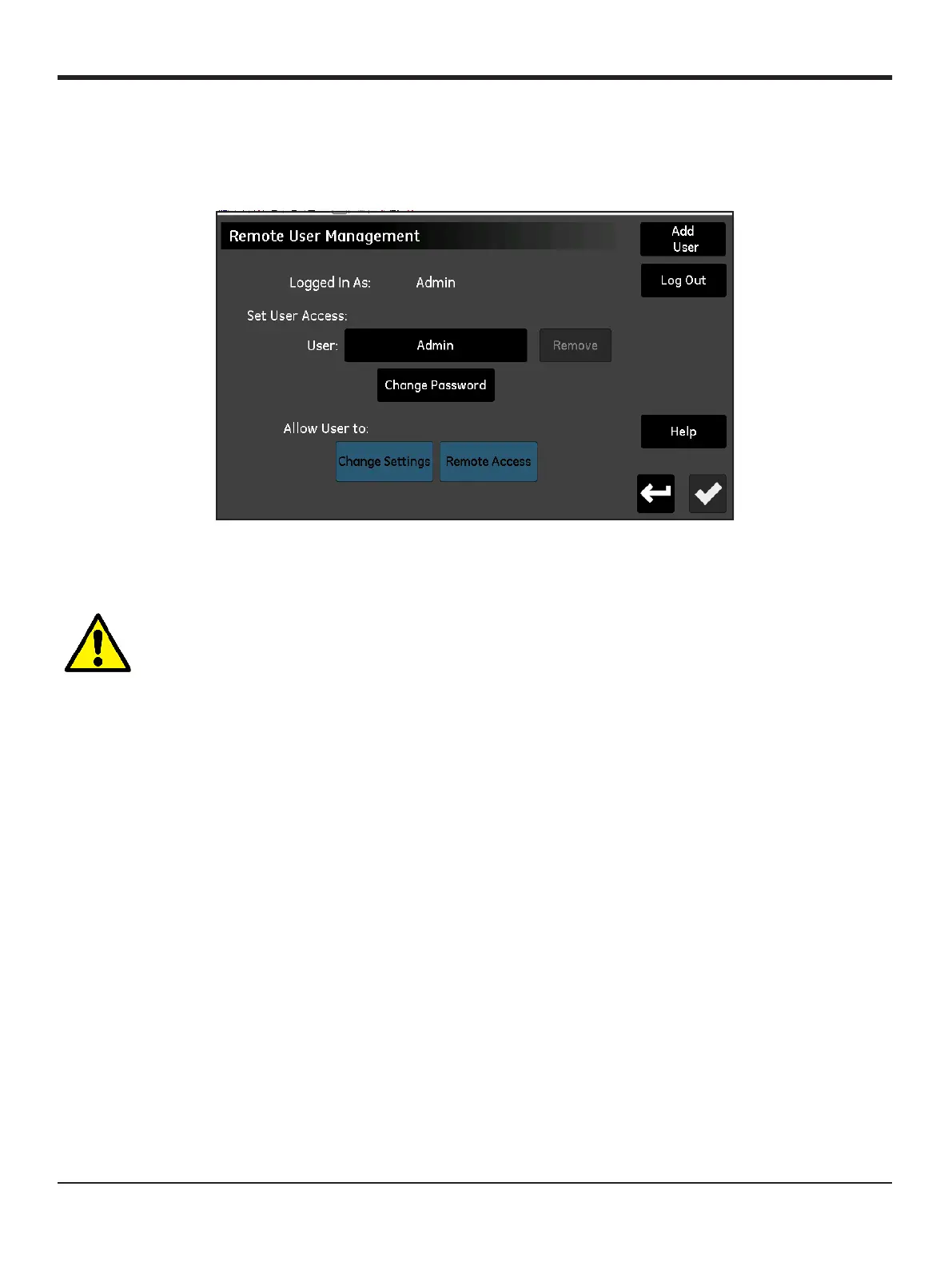
Enter your password and tap the Log In button. On a successful login, the Web User Management screen shown
in Figure 71 below is opened.
Figure 71: Web User Management Screen
Tap the
Change Password button to enter and confirm a new password for the Admin account:
CAUTION! Record the new Admin password immediately and keep it in a safe and secure location. It
is NOT POSSIBLE to obtain a lost or forgotten Admin password!


 To Next Page