4.4.1 Overview
Detail screens
The detail screens are available for agitator, pH, conductivity, temperature, and weight.
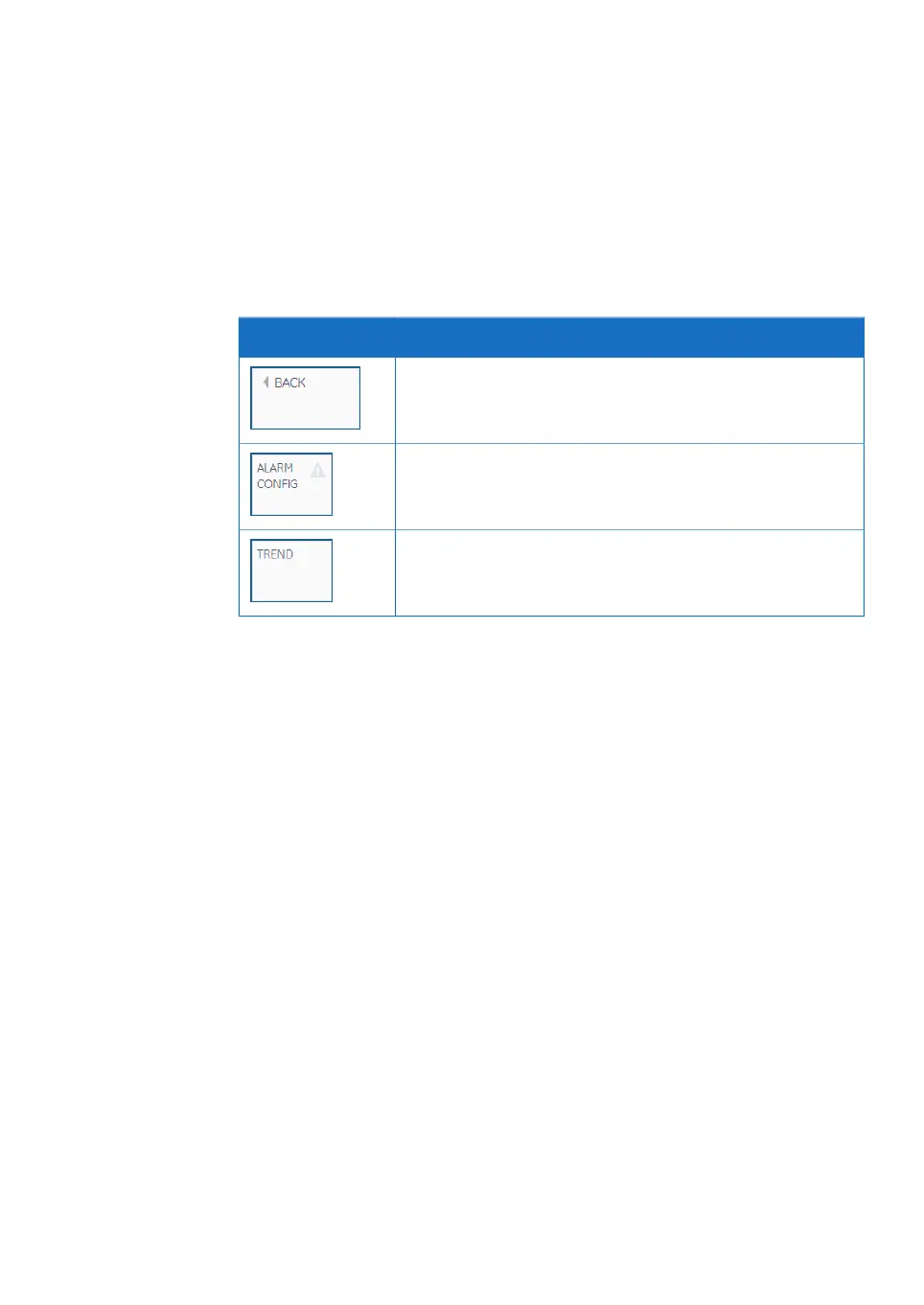
All detail screens have the following buttons:
DescriptionButton
Tapping BACK takes the user back to the previous screen.
Tapping ALARM CONFIG opens the alarm configuration screen
for the parameter. See Section 4.3.2 Alarm configuration screens,
on page 95.
Tapping TREND opens the Trend screen for the parameter. See
Section 4.5 Trend screens, on page 113.
Xcellerex XDM 50-1000, XDUO 100-1000 mixers Operating Instructions 29251615 AD 99
4 User interface
4.4 Detail screens
4.4.1 Overview


 To Next Page
 Loading...