7.3.7 Set alarm limits
Alarm limits
Alarm can be set for the following functionalities:
•
Agitator
•
Conductivity
•
pH
•
Temperature
•
Weight
For more information on weight Critical Alarm, see Weight alarm limits, on page 96.
Set alarm limits
The alarms are set on an Alarm Config screen for each functionality. Only Supervisor
and Administrator can set the alarm limits. Follow the instructions below to set or change
the alarm limits.
ActionStep
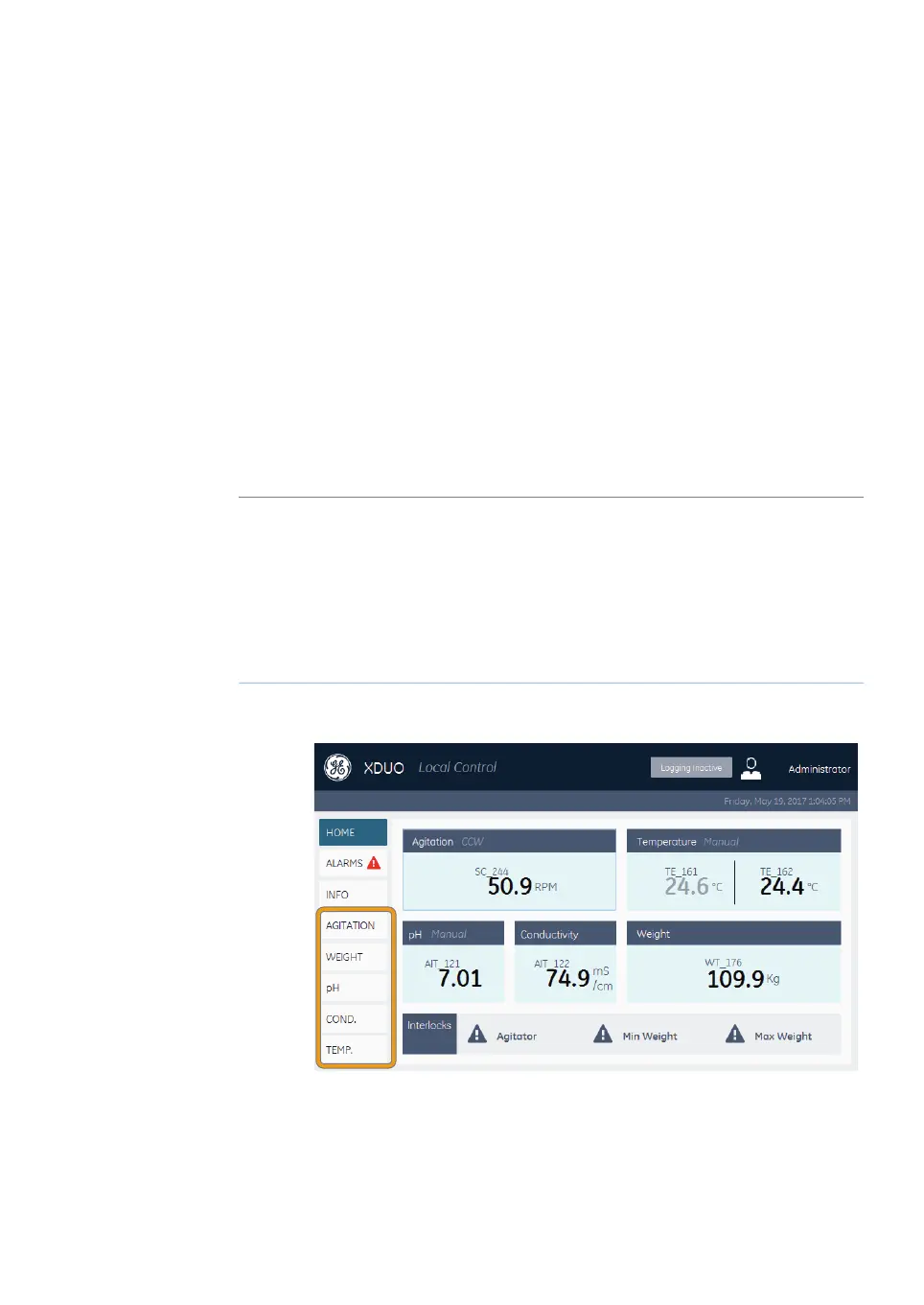
On the navigation toolbar, tap the button for the functionality you want to
get access to.
1
Result: The Detail screen opens for the selected functionality.
Xcellerex XDM 50-1000, XDUO 100-1000 mixers Operating Instructions 29251615 AD 227
7 Operation
7.3 Operate Xcellerex XDUO mixer
7.3.7 Set alarm limits


 To Next Page
 Loading...