Setup and Calibration 4-9
January 2008
Setting Up the System
Analog Output (cont.)
• Span Trim: adjust the system analog output to equal the high end
of the recorder range minus the zero setpoint.
Proceed to the appropriate sub-section to program the desired system
analog output feature.
Choosing the System
Analog Output Type
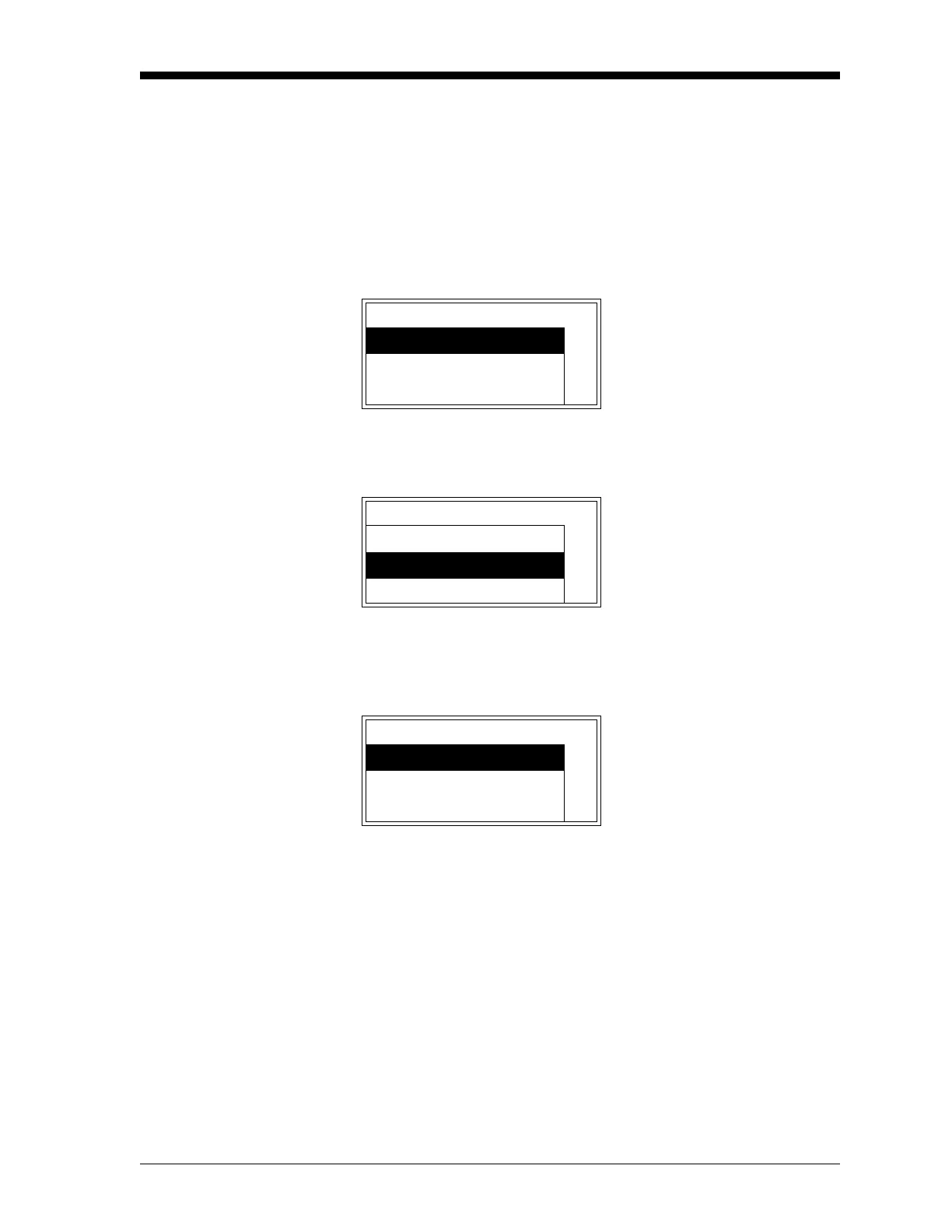
Enter the system analog output menu, as described on page 4-8, and
proceed as follows:
Note: The Test, Zero Trim, and Span Trim options are also available
in the above list box.
Note: The “Namur” option is also available in the above list box.
The Namur NE43 specification requires a 4-20 mA output to
be clamped in specific bands to indicate out-of-range errors.
Either press
[ESC] until you return the User Menu or proceed to the
appropriate section to continue setting up the system analog output.
User Aout Use the [
S] and [T] keys to
select
[Aout Type], and press
[ENTER].
Aout Type
Zero Setpoint
Span Setpoint
User Aout Aout-Type Use the [
S] and [T] keys to
select the desired system ana-
log output type, and press
[ENTER].
0-20mA
4-20mA
0-2V
User Aout You are now back at the sys-
tem analog output setup menu.
Aout Type
Zero Setpoint
Span Setpoint


 To Next Page
 Loading...